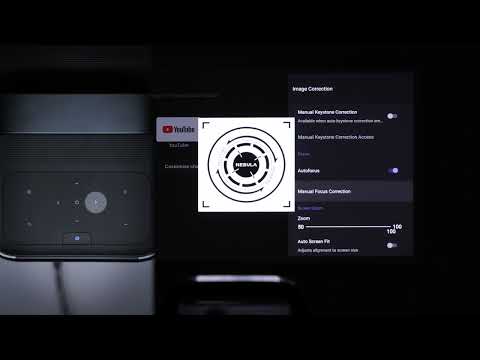
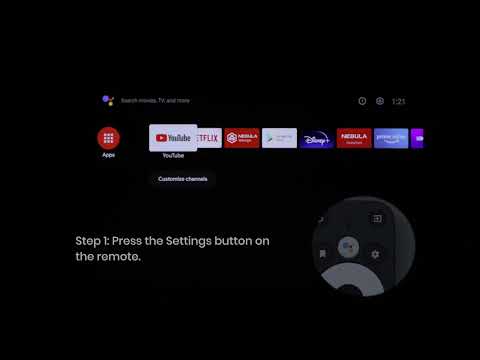
Press the Projector Settings button on top of the projector or press the Source button on the remote, then go to Audio Mode. Now, you can choose from one of 5 audio modes to best suit your environment and input source.
Standard: Keeps the original sound.
Music: Enhances the treble for listening to the music.
Movie: Creates a surround-sound listening experience for watching movies.
News: Makes voices more clear and dynamic for listening.
Custom: Manually set audio settings such as bass, midrange, and treble.
If you still have any questions or concerns regarding the audio mode, please contact us for further assistance.