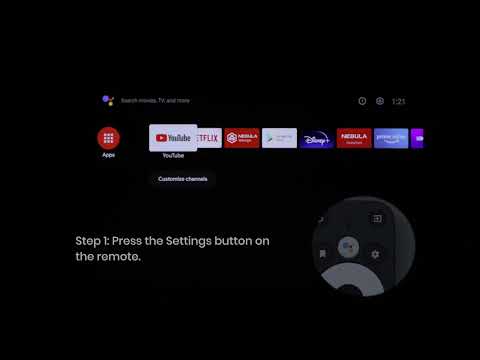
How Do I Set Up the Cosmos Laser Remote Buttons?

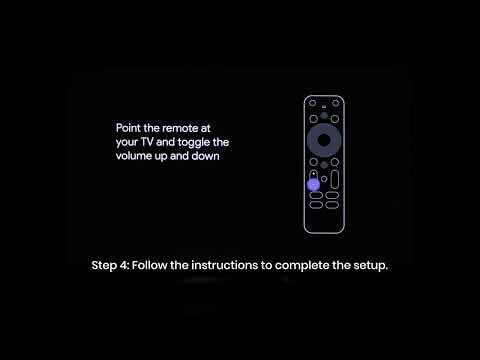
Add Nebula to your TV list and set up the remote buttons. Follow the on-screen instructions to complete the setup. You can also check these instructions:


1. Go to Settings > Set up Remote Buttons > Add Device > TV or press the Settings button on the remote.

2. Select Nebula as the TV brand.

3. Complete the setup by following the instructions.


After a successful setup, you can control the volume, power, and input of your device by using the remote.


If you still have any questions or concerns regarding the remote buttons setup, please contact us for further assistance.


Unresolved icon
20 undefined
Download icon
【D2350】Nebula Cosmos Laser 4K EU Declaration
Download icon
D2341 Cosmos_Laser_UK_Declaration_of_Conformity
Download icon
D2350_Cosmos Laser 4K_Manual
Download icon
D2341_Cosmos Laser_Manual
Download icon
D2341_Cosmos_Laser_EU_Declaration_of_Conformity
Play video
Auto & Manual Focus
Play video
Manual Keystone Correction
Play video
How to Install the 4K Dongle?
Play video
Set up Remote Buttons
Play video
How to Update Your Firmware?
Play video
How to Screen Mirror and Cast Content from Your iPhone and Android Phone?
View More
Contact Us