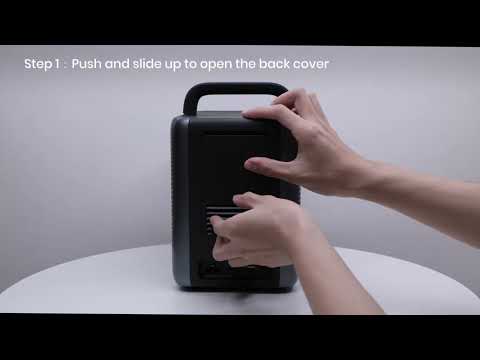
Before pairing the remote with Cosmos Laser, please insert 2 new AAA batteries. Slide open the cover and align the batteries.
After you put new batteries inside, you can use these 2 methods to pair with Cosmos Laser.
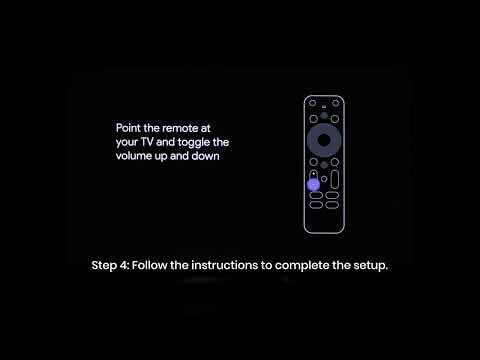
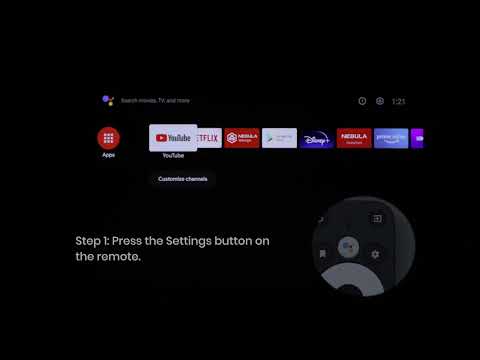
1. During setup, hold the remote near the projector. On the remote, press the "Home" and "Back" buttons simultaneously for about 10 seconds per the on-screen instructions.
2. While pairing, point the remote at the infrared receiver. Go to Settings > Remotes & Accessories > Add Accessory to search and pair.
Note:
The distance between the remote control and the projector should not exceed 10 m / 33 ft.
If you still have any questions or concerns regarding the remote pairing, contact us for further assistance.