How Do I Install the 4K Dongle for Cosmos Laser Series Projectors?
To install the 4K dongle for the Cosmos Laser series, follow these steps:
1. Open the back cover of the projector by pushing and sliding it up.
2. Connect to the micro-USB connector and micro-HDMI connector.
3. Close the back cover.

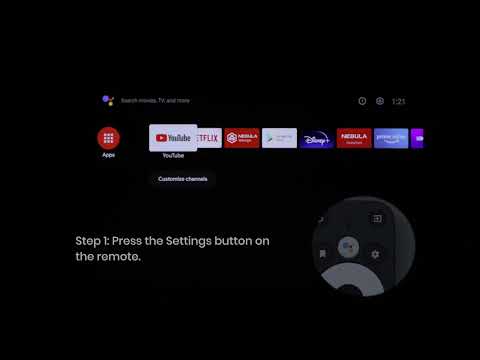
You can also watch this video for reference.
If you have additional questions, please contact us for further assistance.


20 undefined
Cosmos Laser Series FAQ


30-Day Money-Back Guarantee
Troubleshooting Projector Lag Issues
Payments & Vouchers FAQ
Nebula Projector 3D Feature Guide
New Firmware Release
What Operating System Does the Nebula Projector Come With?

【D2350】Nebula Cosmos Laser 4K EU Declaration
D2341 Cosmos_Laser_UK_Declaration_of_Conformity
D2350_Cosmos Laser 4K_Manual
D2341_Cosmos Laser_Manual
D2341_Cosmos_Laser_EU_Declaration_of_Conformity

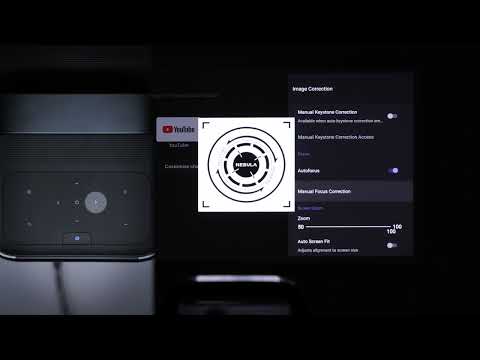
Auto & Manual Focus
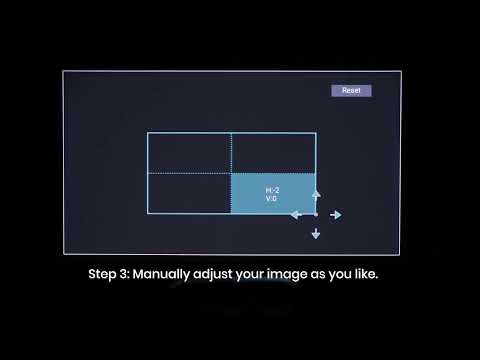
Manual Keystone Correction
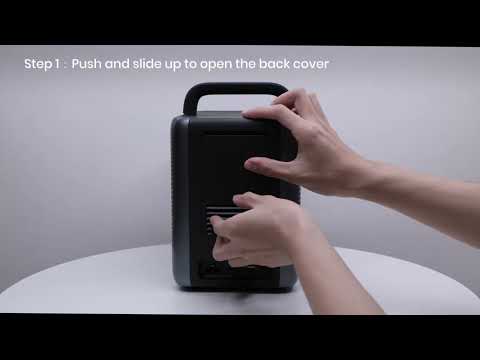
How to Install the 4K Dongle?
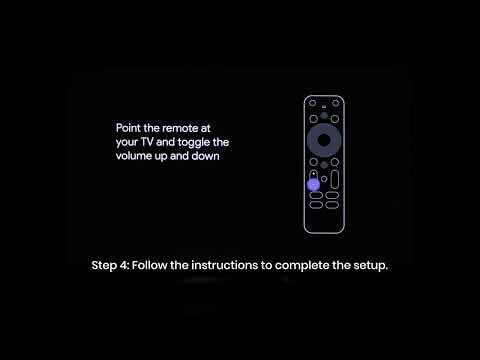
Set up Remote Buttons
How to Update Your Firmware?

How to Screen Mirror and Cast Content from Your iPhone and Android Phone?
View More


