Bluetooth connected but no sound in soundcore speakers
Normally the sound coming from the speaker will be influenced by both the speaker and the paired device, so please check if the sound's volume on both the paired device and the speaker are turned up.
If there's no sound coming from your speaker, please try the following troubleshooting tips:
1. Confirm the speaker is fully charged.
2. Turn on and reset your speaker.
3. Restart your speaker and the device it is paired with to test again.
4. Try connecting the speaker with a different device if possible; try another app or audio source.
5. Make sure the volume on both the speaker and the paired device is turned up.
If you still have any questions, please contact us for further assistance.


20 undefined
Soundcore Warranty Policy


How to Pair soundcore Speakers via PartyCast?
How to Use an AUX Cable to Play Music on Two Flare Speakers?
What are the Differences Between Trance and Mega Speakers?
What Should I Do If There is No Sound After Connecting My Motion+ with a PC via Bluetooth?
What Should I Do If My Soundcore 2 Cannot Connect to a PC Properly?
What Should I Do If There is a Cut-off Issue with My Soundcore 2 Speakers When They are in TWS Mode?

【A3119】Soundcore Mini 3 EU Declaration
【A3118】Soundcore Motion Boom EU Declaration
【A3117】Soundcore 3 EU Declaration
【A3116】Soundcore Motion + EU Declaration
【A3105】SoundCore 2 EU Declaration
【A3102】Soundcore EU Declaration
View More

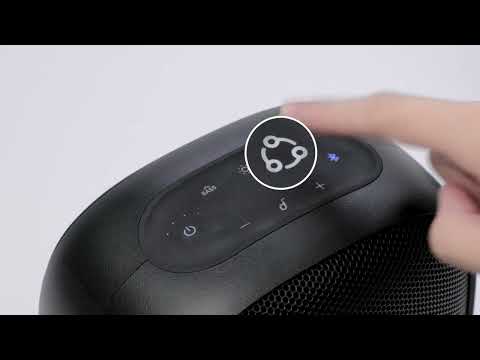
How to pair Motion Boom Plus with Rave Neo
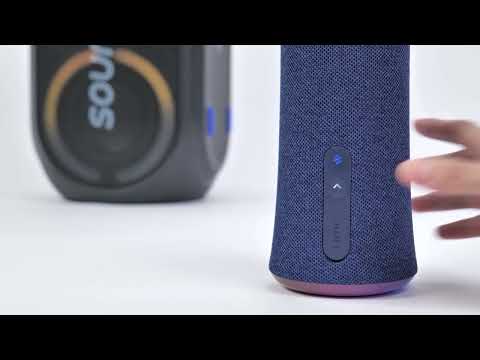
How to pair Rave Party 2 with Flare 2
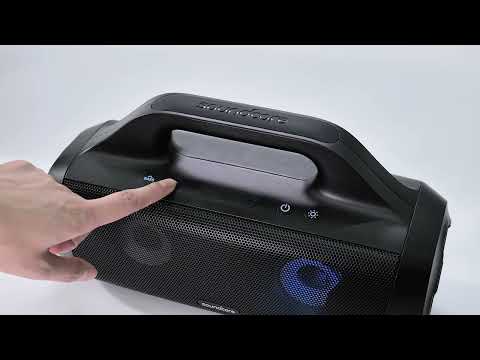
How to pair Rave Party 2 with Select Pro
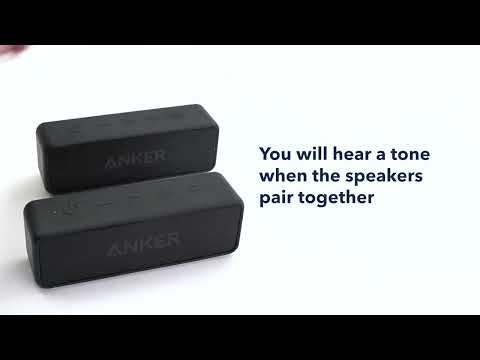
How to pair two Soundcore 2 Speakers via True Wireless Stereo
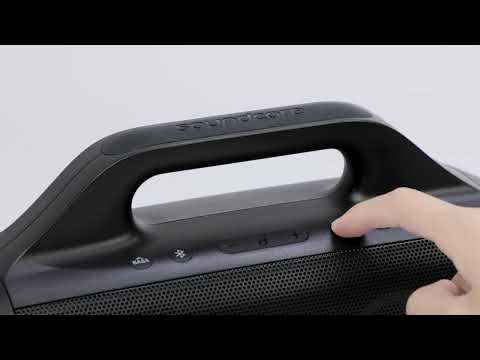
How to pair Motion Boom Plus with Select Pro
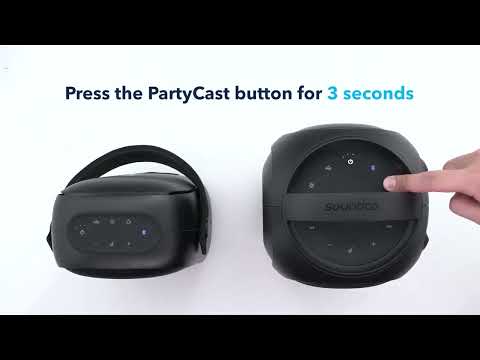
How to pair Rave Neo, Rave PartyCast, and Trance Go Speakers via PartyCast
View More


