soundcore speakers failed to connect with my devices
soundcore speakers' pairing does not need any PIN or passcode. If you fail to connect the speaker to your device, you can try the following steps:
1. Confirm the speaker is fully charged and it's not paired with other devices.
2. Forget all Bluetooth pairing records on your device.
3. Reboot your speaker and your device.
4. Disable and enable Bluetooth on your device.
6. Try to connect the speaker to another device.
7. Update the Bluetooth driver on your device to the latest version if it's a computer or laptop.
If your issue still exists, please contact us for further assistance.


20 undefined
Soundcore Warranty Policy


How to Pair soundcore Speakers via PartyCast?
How to Use an AUX Cable to Play Music on Two Flare Speakers?
What are the Differences Between Trance and Mega Speakers?
What Should I Do If There is No Sound After Connecting My Motion+ with a PC via Bluetooth?
What Should I Do If My Soundcore 2 Cannot Connect to a PC Properly?
What Should I Do If There is a Cut-off Issue with My Soundcore 2 Speakers When They are in TWS Mode?

【A3119】Soundcore Mini 3 EU Declaration
【A3118】Soundcore Motion Boom EU Declaration
【A3117】Soundcore 3 EU Declaration
【A3116】Soundcore Motion + EU Declaration
【A3105】SoundCore 2 EU Declaration
【A3102】Soundcore EU Declaration
View More

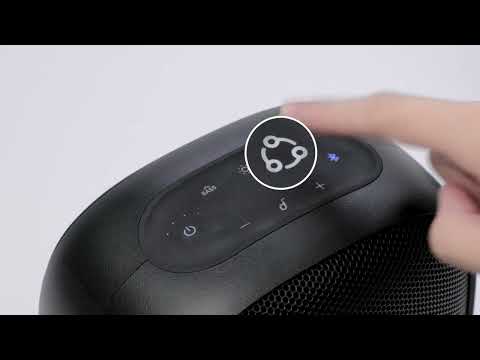
How to pair Motion Boom Plus with Rave Neo
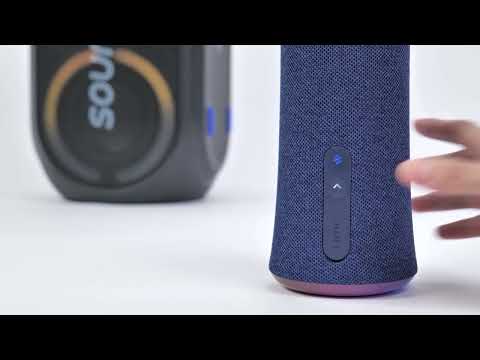
How to pair Rave Party 2 with Flare 2
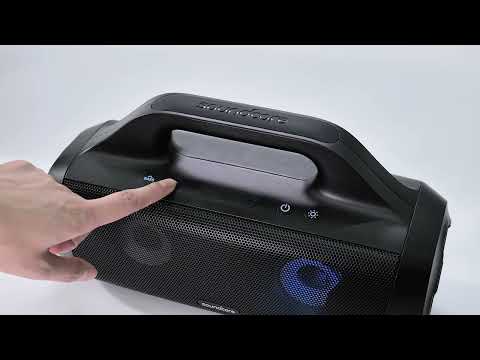
How to pair Rave Party 2 with Select Pro
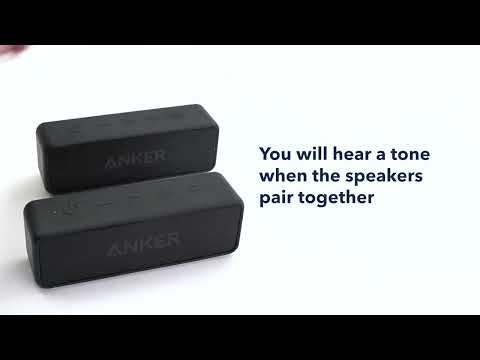
How to pair two Soundcore 2 Speakers via True Wireless Stereo
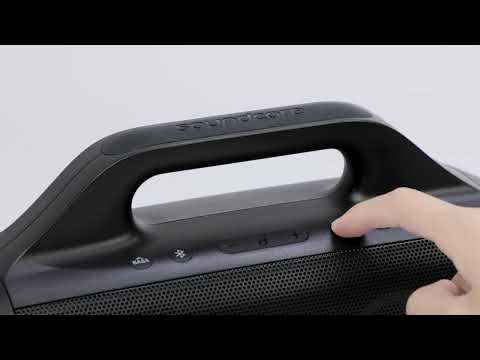
How to pair Motion Boom Plus with Select Pro
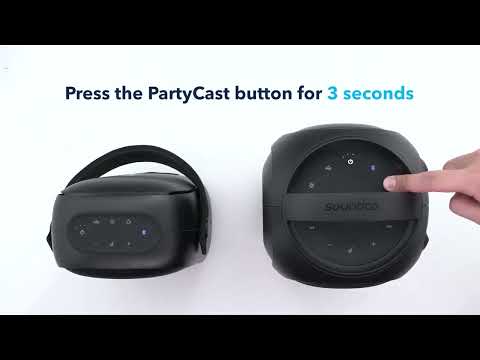
How to pair Rave Neo, Rave PartyCast, and Trance Go Speakers via PartyCast
View More


