Why can’t I adjust the volume or why is the volume low on my Sleep A30 Special?
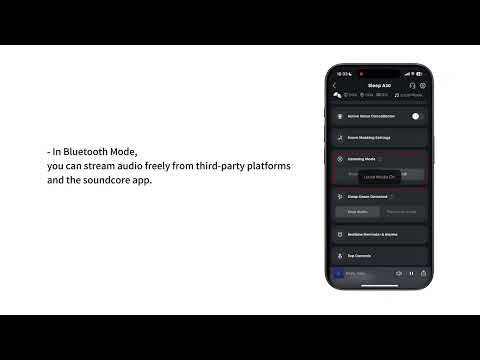
1. The volume of white noise in Local mode cannot be adjusted using your phone’s volume controls. Instead, you can adjust it through the app or by tapping the earbuds.
Binaural Mode: Triple-tap the left earbud to decrease the volume, and triple-tap the right earbud to increase the volume. You can also control the volume directly from the app.
2. If you experience this issue in Bluetooth mode on an Android device, please enable “Volume Synchronization” or “Absolute Volume” in your device settings.
If you have any more issues or your issue has not been resolved, pleasecontact usfor further assistance.