What should I do if the earbuds stay connected to my device even after being placed in the charging case and the lid is closed?
1. Ensure that the ear tips and ear wings are properly attached and not blocking the charging pins. Insert both earbuds securely into the charging case. The indicators should light up to indicate the earbuds are connected.
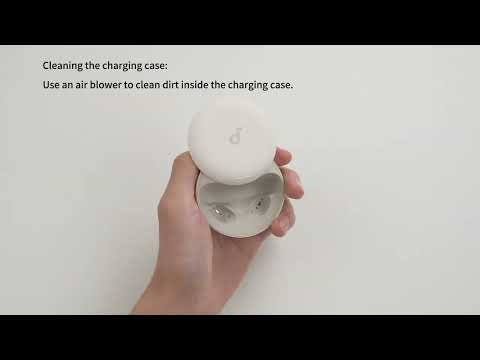
2. Use a dry cloth or a cotton swab with a small amount of alcohol to gently clean the charging pins inside the case and on the earbuds. This ensures a better connection.
3. Use a different charging cable and wall adapter to fully charge the case. Make sure the case is charging properly.
If your earbuds have not been used for a long time, charge them for at least 2 hours first and see if this fixes the issue.
If you have any more issues or your issue has not been resolved, pleasecontact usfor further assistance.