What should I do if my Boom 2 is already connected to another device?
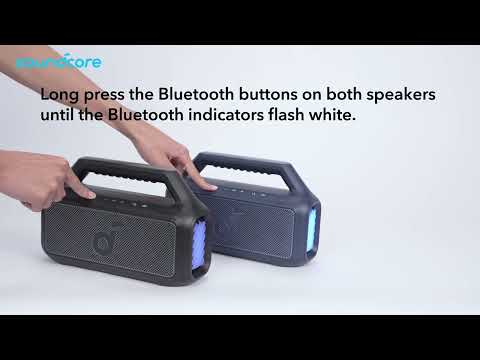
If you are using soundcore Boom 2 and the Bluetooth connection is already in use, it may be caused by other users mistakenly connecting, or the speaker automatically connecting to a previous device. To fix this issue, we suggest resetting the device to clear the previous pairing record.
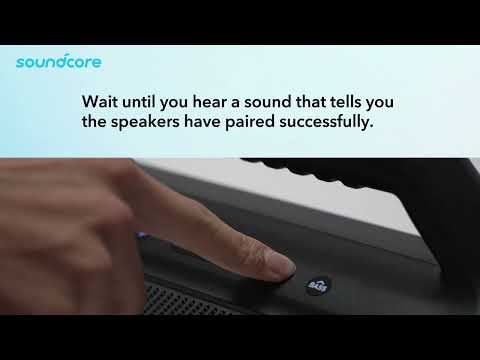
To reset Boom 2, press and hold the Bluetooth and “Volume +"" buttons at the same time for 5-10 seconds. You'll hear a beep when the speaker has reset succesfully.
If you have additional questions, please contact us at service@soundcore.com for further assistance.