What should I do if I can't find Bluetooth devices when connecting soudcore boom 2?
If your soundcore Boom 2 speaker cannot pair with a device, please try the following tips:
1. Please make sure that Boom 2 is within the Bluetooth range of your phone.
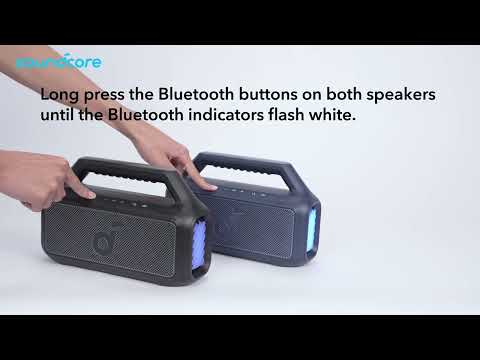
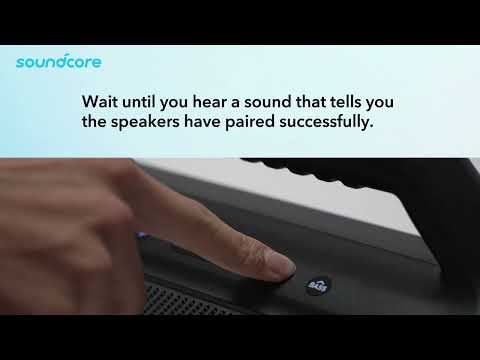
2. If you are unable to find the device continuously, please try short-pressing the Bluetooth button on the speaker and re-entering the Bluetooth search interface on your phone.
3. If none of the above steps work, please try resetting the speaker. Resetting the speaker: Press and hold the "Bluetooth button" and the "Volume + button" for 5-10 seconds. After hearing a special prompt sound, the speaker will automatically restart, indicating a successful reset.
If you have additional questions, please contact us at service@soundcore.com for further assistance.