Stereo pairing only works with a maximum of 2 speakers, and you would need to pair two identical speakers at the same time for the stereo sound that distinguishes the left and right channels.
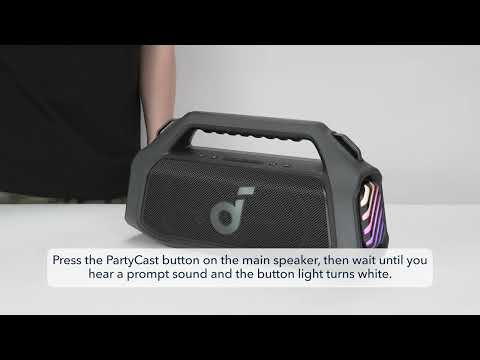
Here are the steps to pair two soundcore Boom 2 Plus speakers together.
1. Turn on both speakers.
2. Hold the Bluetooth button on both speakers until the indicator light flashes white.
3. You'll hear a sound to indicate successful pairing.
The indicator light on the main speaker will be blue, and the indicator light on the secondary speaker will be white. The main speaker functions as the left channel, and the secondary speaker functions as the right channel.
If you have additional questions, please contact us at service@soundcore.com for further assistance.