P1
What's in the Box
Nebula P1、C-C Cable, Adapter, Remote Control, AAA Battery, Quick Start Guide
Controls
Remote Control: IR / Bluetooth Remote
Touch Control: Touch Buttons
App Control: NEBULA Connect App (Android and iOS)
Voice Control: Built-In Google Voice Assistant
Touch Control: Touch Buttons
App Control: NEBULA Connect App (Android and iOS)
Voice Control: Built-In Google Voice Assistant
Hardware
CPU: Quad-Core ARM Cortex-A55
GPU: ARM Mali-G52 MC1
RAM / ROM: 2 GB / 32 GB
Speakers: 10W *2
GPU: ARM Mali-G52 MC1
RAM / ROM: 2 GB / 32 GB
Speakers: 10W *2
Software
OS: Google TV with Official Netflix
Modes: Projector Mode / Bluetooth Speaker Mode
OTA: Supported
Modes: Projector Mode / Bluetooth Speaker Mode
OTA: Supported
Display
Display Technology: DLP,0.23" DMD
Resolution: 1920*1080
Light Source: 4-LED
Brightness: 650 ANSI Lumens
Contrast Ratio(Standard Mode): 400:1
Throw Ratio: 1.2:1
Resolution: 1920*1080
Light Source: 4-LED
Brightness: 650 ANSI Lumens
Contrast Ratio(Standard Mode): 400:1
Throw Ratio: 1.2:1

Nebula P1 User Guide (D2431)
【D2431】【soundcore NEBULA P1】EU Declaration

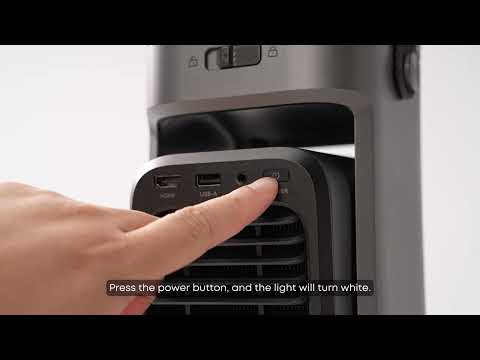
Unboxing Nebula P1 and Getting Started
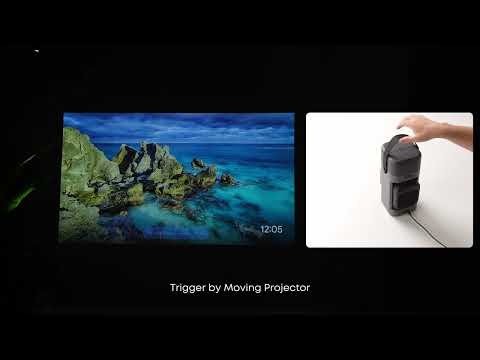
How to Focus Your Projection
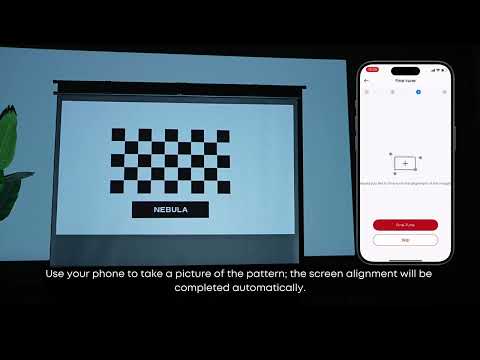
How to Use VisionFit for Screen Fit and Obstacle Avoidance
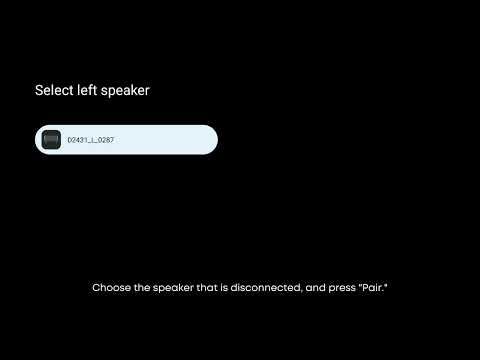
How to Reconnect the Surround Speakers
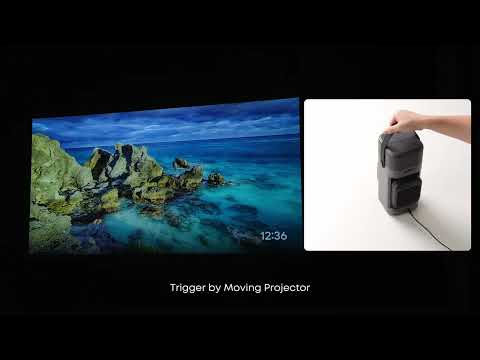
How to perform keystone correction on the P1
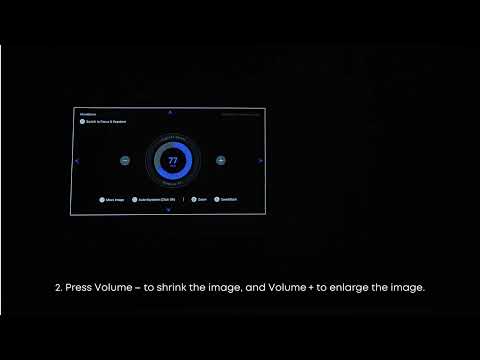
How to Position or Resize your Projection
View More
50 undefined
Heat Dissipation Level


What are the latency levels of external consoles
Accessories for Nebula P1
Does it have a built-in battery
Recommended charging banks
What is Nebula Master? What are its advantages?
Basic Audio Information Q&A
After connecting the projector to speakers, does the projector itself still output sound
Projector Charging Requirements


