Will Boom 2 automatically shut down?

Yes, by default, if there is no audio signal input or connection for 20 minutes, the Boom 2 speaker will automatically turn off. You can also customize the auto-off timer in the Anker soundcore app.


1. Open the Anker soundcore app and enter the Boom 2 interface;

2. Click on the settings button in the top right corner;

3. At the "Auto Power Off" section, you can select different auto-off times, or you can turn off the auto-off feature.


If you have additional questions, please contact us at service@soundcore.com for further assistance.


Unresolved icon
16 undefined
Download icon
soundcore Boom 2 User Guide
Download icon
soundcore Boom 2 Benutzerhandbuch (A3138)
Download icon
soundcore Boom 2 用户指南 (A3138) 繁中
Download icon
soundcore Boom 2 用户指南 (A3138)
Download icon
soundcore Boom 2 사용자 가이드 (A3138)
Download icon
soundcore Boom 2 Ghidul utilizatorului (A3138)
View More
Play video
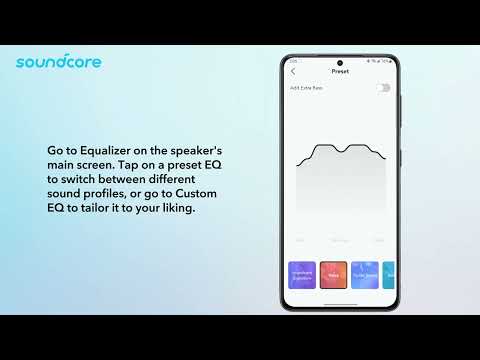
How to use the Anker soundcore app for Boom 2 speaker
Play video
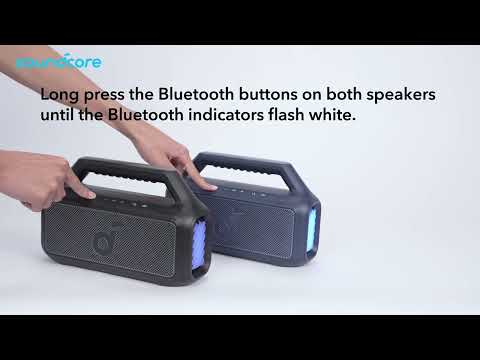
How do I pair two Boom 2 speakers via TWS?
Play video
How to Set Up LED Light Effects
Play video
How to Link Speakers with PartyCast