How do I get the best sound performance from my Boom 2?
If you are struggling with sound quality issues while using Boom 2, you can refer to the following articles:
1. Place Boom 2 on a flat surface, away from corners, and with no objects obstructing the speakers.
2. Change to a different audio source. Music in FLAC/WAV format is best.
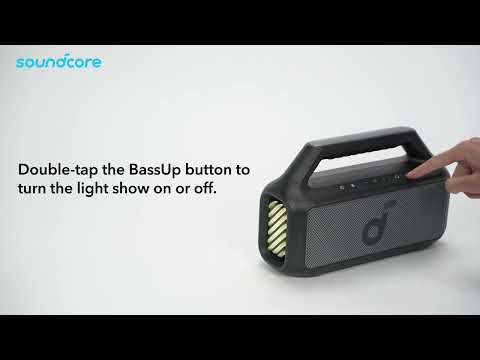
3. Turn on BassUp 2.0 for more powerful bass.
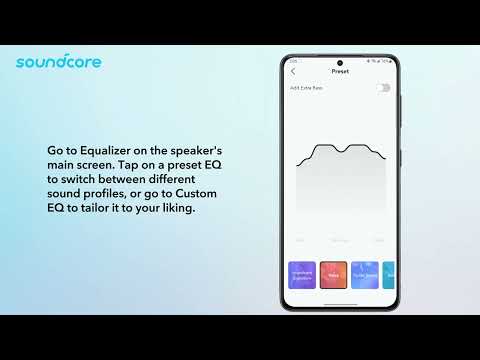
4. Change EQ presets or customize the EQ through the Anker soundcore app to enhance your sound experience.
5. If you are still not satisfied with the sound quality, our acoustic engineers can customize the EQ for you. Please contact our support team for further assistance.
If you have additional questions, please contact us at service@soundcore.com for further assistance.