soundcore Boom 2 speaker has a voice prompt function when turning on/off or connecting/disconnecting via Bluetooth.
If you don't wish to activate voice prompts you can download the Anker soundcore app on your phone from Google Play Store or the App Store and then use the app to disable the voice prompt feature. Once you’ve turned it off, you will not hear a sound when turning it on/off or when connecting/disconnecting the speaker via Bluetooth.
Here are more details:
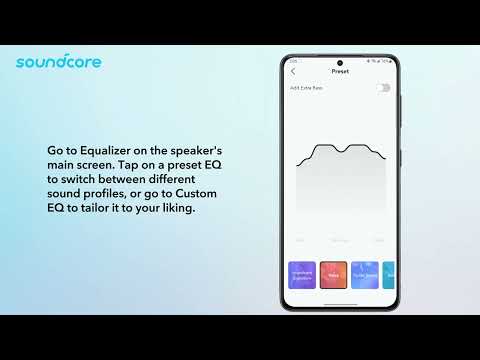
1. open Anker soundcore app, connect Boom 2 and enter Boom 2 interface;
2. Click the Settings button in the upper right corner;
3. In "Speaker Prompts", you can choose to turn on or off the speaker prompts.
If you have additional questions, please contact us at service@soundcore.com for further assistance.