What should I do if the earbuds are connected to the device but not to the soundcore app?
If your earbuds are connected to your device but fail to connect to the soundcore app, follow these steps to troubleshoot and resolve the issue.
-
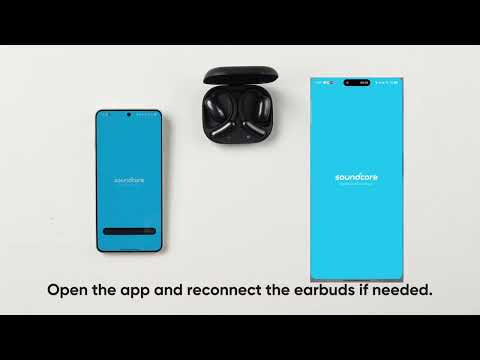
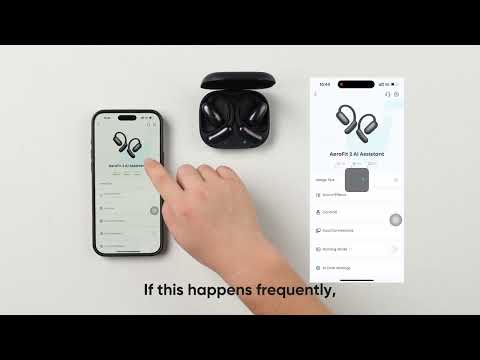
Ensure the soundcore app is updated to the latest version. Then, close the app and reopen it to try again.
-
When connecting to the app, make sure your phone is not connected to other Bluetooth devices, such as smartwatches.
If you encounter any other issues or your issue has not been resolved, please contact soundcore customer support for further assistance.


20 undefined
What should I do if the firmware has been updated to the latest version but I can't find AI Translation in the app?


What should I do if AI Translation doesn't pick up the audio?
What should I do if the soundcore app crashes during translation?
What should I do if my earbuds cannot be paired with my phone?
How to perform daily maintenance for the earbuds
How to get the best sound quality
What should I do if the volume of the earbuds is low?

soundcore AeroFit 2 AI Assistant Упутство за кориснике (A3874X)
soundcore AeroFit 2 AI Assistant Ghidul utilizatorului (A3874X)
soundcore AeroFit 2 AI Assistant Пайдаланушы нұсқаулығы (A3874X)
soundcore AeroFit 2 AI Assistant Ръководство за потребителя (A3874X)
soundcore AeroFit 2 AI Assistant Korisničko uputstvo (A3874X)
soundcore AeroFit 2 AI Assistant Kasutusjuhend (A3874X)
View More

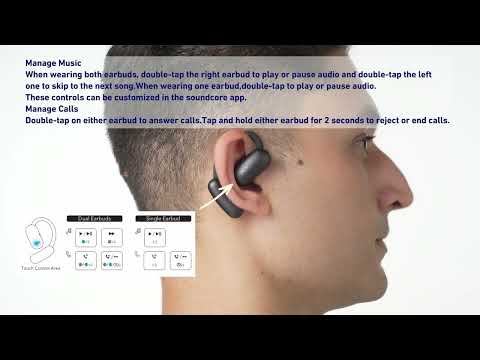
How to Clean and Maintain soundcore AeroFit 2 AI Assistant
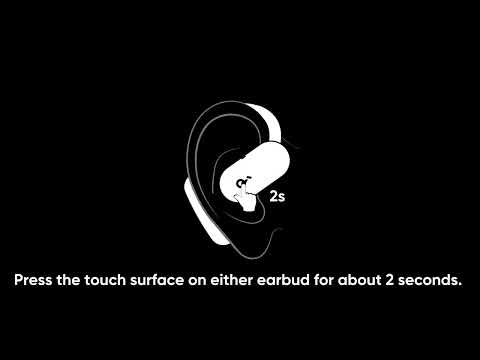
How to use the Al assistant
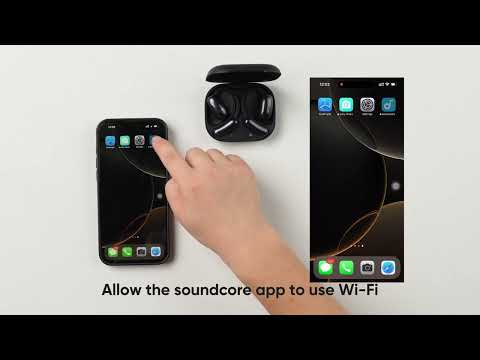
How to connect my soundcore earbuds to Internet
Can I wake Anka when the app is closed?
What to do if Anka AI assistant is not working?
How to fix the soundcore app if it keeps crashing or returning to the previous screen
View More


