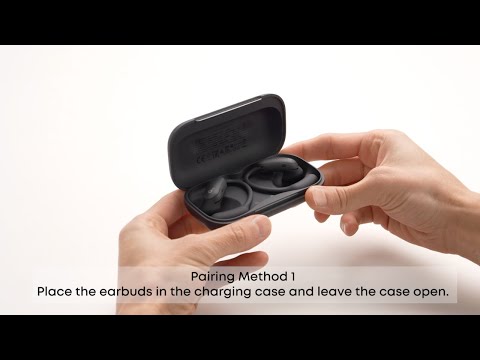
1. Ensure the charging case light illuminates when the earbuds are placed back into the case. If it does not light up, wipe the charging pins on both the earbuds and the case with a lint-free cloth dampened with a small amount of alcohol, then try again.
2. If the light illuminates, check the battery level. A steady white light indicates sufficient charge. If a red light appears, charge for 10 minutes before retrying.
3. Attempt a reset. Place both earbuds back into the charging case and leave the lid open. Press and hold the charging case button for over 10 seconds. After 3 seconds, the case indicator will flash white. After another 10 seconds, the case indicator will rapidly flash white three times, indicating a successful reset.
Note: After each use, clean the earbuds and charging case with a soft, dry cloth. Use a cotton swab to clean the charging contacts to prevent sweat buildup that may cause issues with shutting down or charging.
If you encounter any other issues or your issue has not been resolved, please contact us for further assistance.