What should I do if the other party's voice is choppy during a call on soundcore Liberty 5 Pro?
This may be caused by environmental interference or issues with the device's Bluetooth signal during the call.
1. If using only one earbud for the call, ensure the other is in the case with the lid closed.
2. Move your device closer to the earbuds to see if it improves.
3. Try making calls with a different device to see if it improves.
4. If using a third-party app (not the phone's system phone app), try using the system phone app to see if the issue persists.
5. Test the earbuds with different Bluetooth devices in different environments to see if there is any difference.
If you encounter any other issues or your issue has not been resolved, please contact us for further assistance.


20 undefined
What should I do if the volume is low when using soundcore Liberty 5 Pro with a computer?


How should I wear soundcore Liberty 5 Pro?
What should I do if I feel discomfort after wearing the soundcore Liberty 5 Pro for a long time?
What should I do if the soundcore Liberty 5 Pro earbuds easily fall out while I'm wearing them?
How do I install the ear tips on soundcore Liberty 5 Pro?
How do I remove the ear wings from soundcore Liberty 5 Pro?
What should I do if the ANC performance of soundcore Liberty 5 Pro does not meet my expectations?
What should I do if I hear noise while using soundcore Liberty 5 Pro's ANC mode on bumpy roads?
What should I do if I feel dizzy or pressured in my ears when using soundcore Liberty 5 Pro's ANC mode?
What should I do if I encounter wind noise when using soundcore Liberty 5 Pro outdoors?

【D1203】【soundcore Liberty 5 Pro) EU Declaration
soundcore Liberty 5 Pro User Guide (D1203)
soundcore Liberty 5 Pro Benutzerhandbuch (D1203)
soundcore Liberty 5 Pro 用户指南 (D1203)
soundcore Liberty 5 Pro 사용자 가이드 (D1203)
Soundcore Liberty 5 Pro 取扱説明書 (D1203)
View More

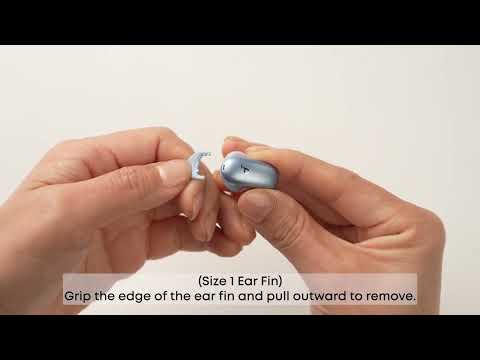
How Do I Wear My soundcore Liberty 5 Pro Properly?

How Do I Use the Liberty 5 Pro's Touch Controls?
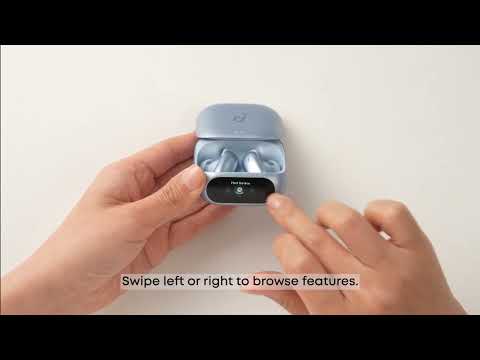
How Do I Use the Smart Screen on the Charging Case?
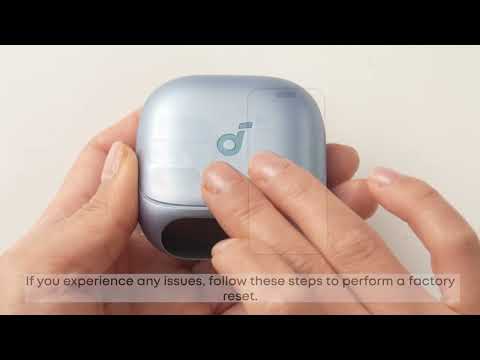
How Do I Pair or Reset the Liberty 5 Pro's Earbuds?

How do I Clean My Liberty 5 Pro's Earbuds and Charging Case?


