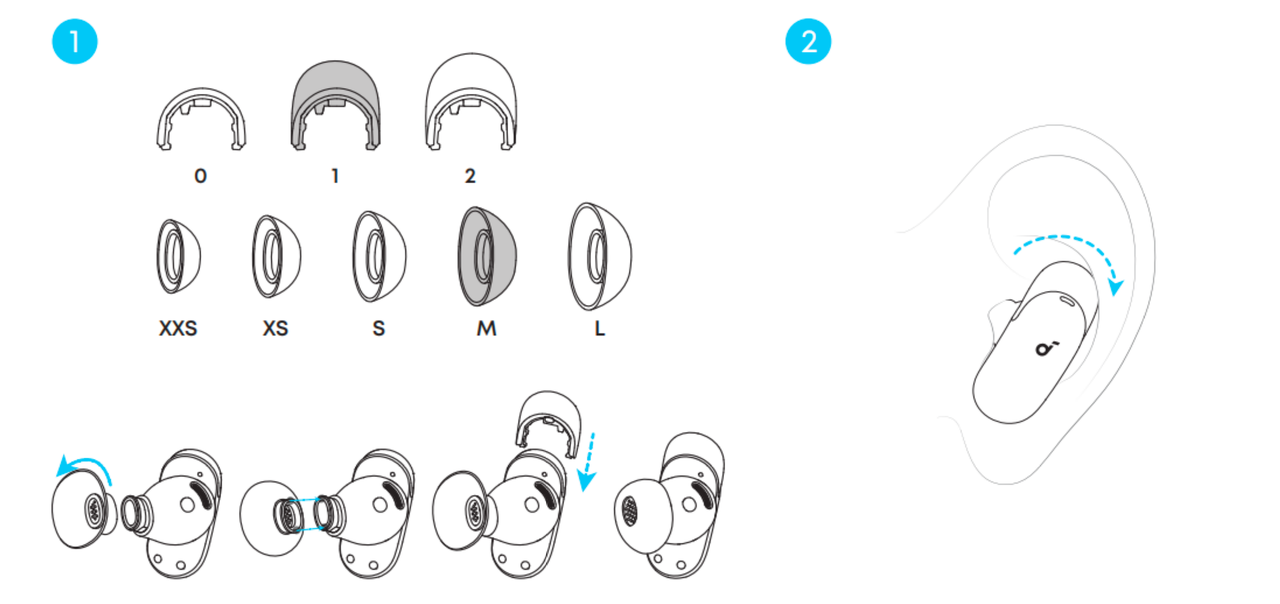
1. Check that you are wearing the earbuds securely by doing the following:
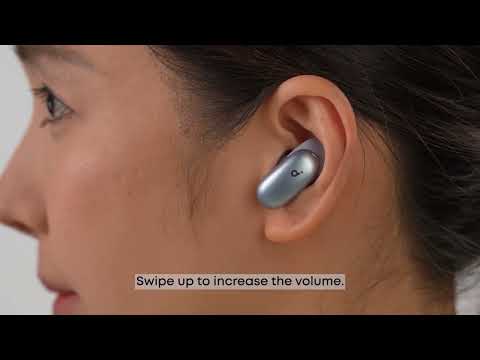
• Check the L/R marks on the inside of the earbuds to ensure they are being worn on the corresponding sides. Twist the earbuds into place and find the most comfortable position.
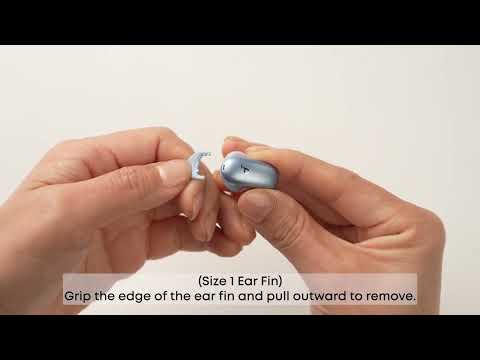
• Try different sizes of ear tips/ear wings to ensure a suitable fit and tight seal. If one size doesn't fit well, try different sizes for each ear (e.g., M tip on the left, L tip on the right).
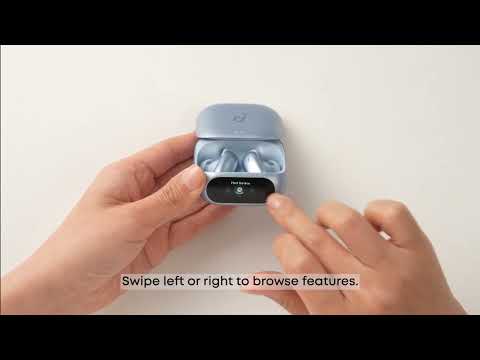
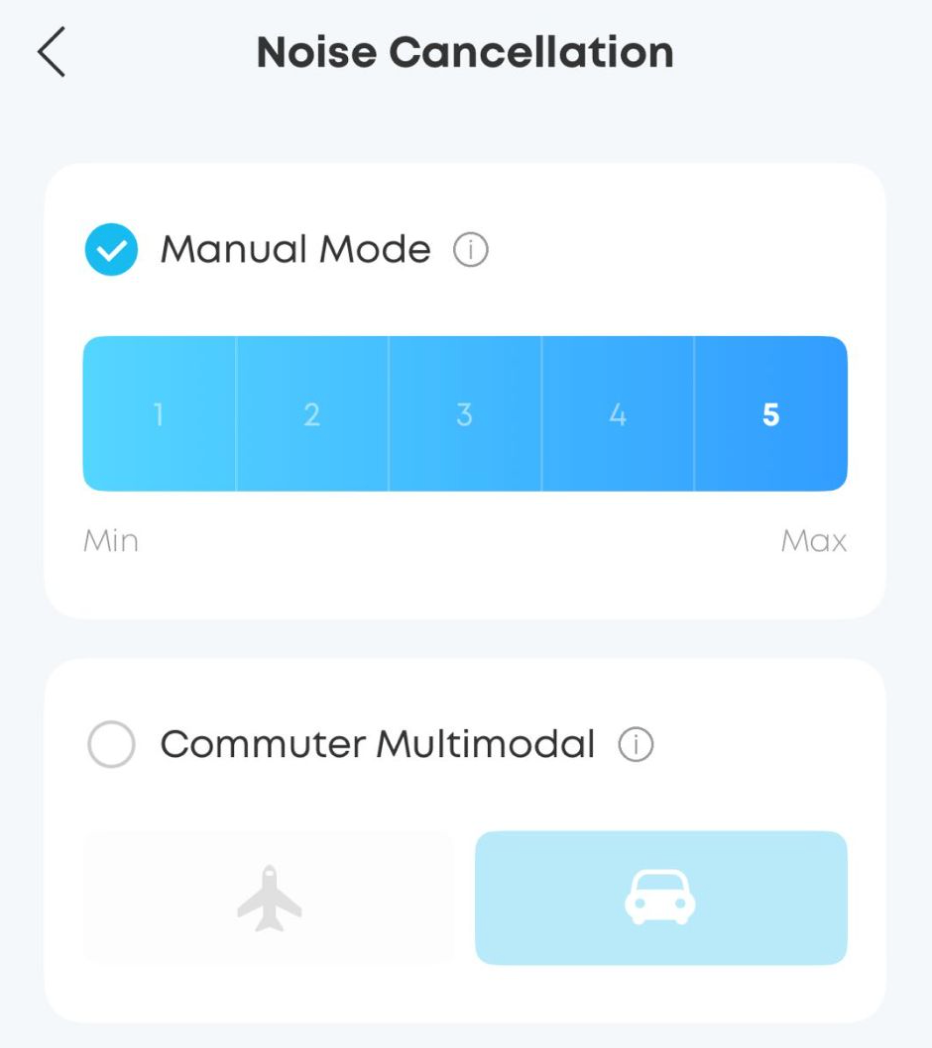
2. Adjust to Level 4 ANC via the app or charging case and see if it improves the situation.
To do so, go to: App > Ambient Sound > Noise Cancellation > Mode > Manual Mode.
3. Switch to Normal Mode and check if the noise persists. If the noise is absent in Normal Mode, you might have sensitive hearing. Hearing a slight noise in ANC mode is normal.
4. Test the earbuds with different audio sources and Bluetooth devices (phone/tablet, etc.) and see if the issue persists.
Note:
1. In ANC mode, the earbuds capture ambient noise via the microphones and generate inverted sound waves to cancel it out. This real-time processing creates minimal electronic noise.
2. All electronic devices have inherent background noise (e.g., static), which is almost imperceptible but present. Those with sensitive hearing may notice it.
3. ANC cannot completely eliminate ambient noise, especially in loud environments. There may still be residual noise.
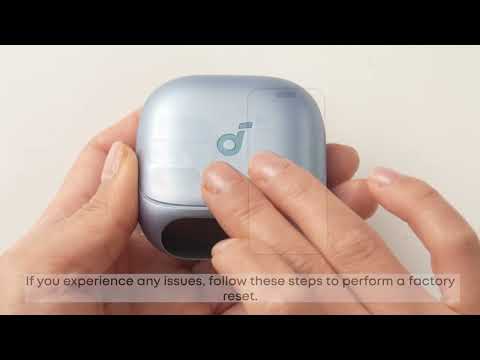
If you encounter any other issues or your issue has not been resolved, please contact us for further assistance.