If you are experiencing soundcore V40i won't turn on or pair, you can find the solution in this article.
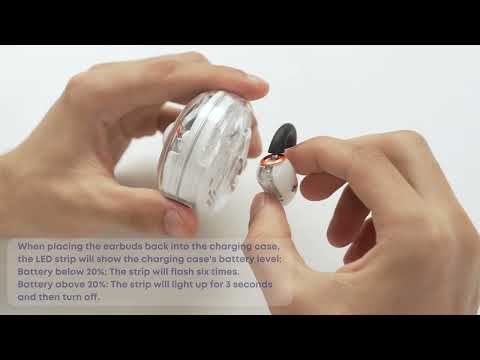
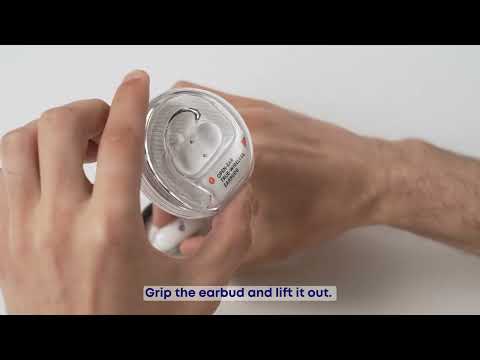
1. Confirm the insulating film on the case is removed. Place the earbuds back into the case. When the light bar illuminates, take them out and try again.
2. Set the ear hook to the LV1 position, then return them to the case. Charge the case for at least 1 hour before retrying.
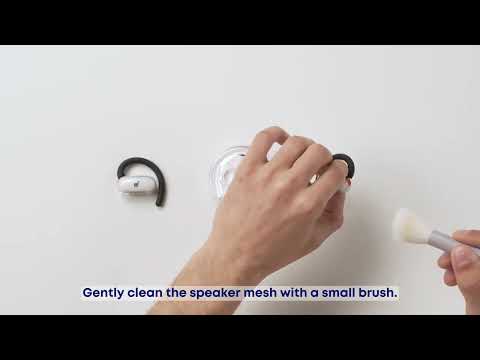
3. Wipe the charging contacts of the earbuds and the charging case with a damp towel and try again.
4. If the issue persists, try resetting the earbuds:
Wear the earbuds and press and hold the touch-control area on both earbuds for 10 seconds. You'll hear a sound prompt and a beep when the reset is successful.
After the reset, the earbuds are disconnected from Bluetooth. To reconnect, toggle Bluetooth off and on on your device, then pair the earbuds again.
If you encounter any other issues or your issue has not been resolved, please contact us for further assistance.