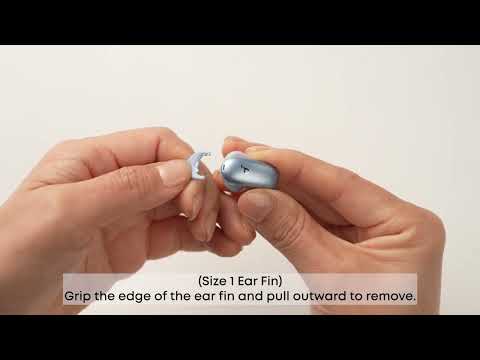
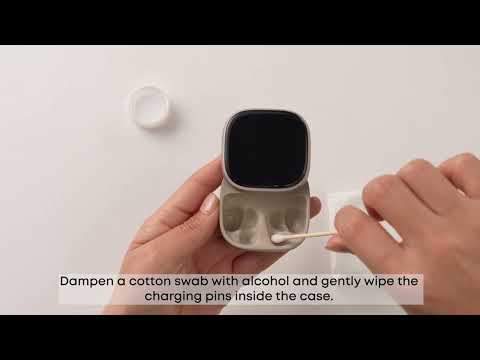
1. Use a cotton swab dampened with a small amount of rubbing alcohol to gently clean the earbud speaker outlet and rear cavity vent.
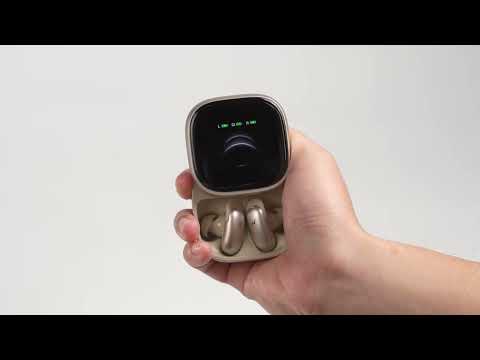
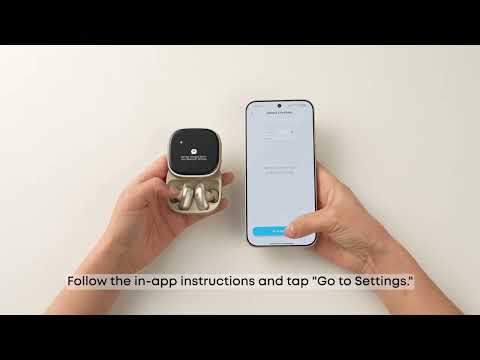
2. Place the earbuds in the case, close the lid, reopen, and restart them.
3. Check the audio balance on your Bluetooth device:
On Android: Settings > Accessibility > Audio & On-screen Text > Audio > Balance.
On iOS: Settings > Accessibility > Audio/Visual > Audio Balance.
On Samsung: Settings > Accessibility > Hearing enhancements > Left/right sound balance.
Note: If you shift the slider to the left, the left earbud becomes louder and the right becomes quieter. If you shift to the right, the right earbud becomes louder and the left becomes quieter.
If you encounter any other issues or your issue has not been resolved, please contact us for further assistance.