What should I do if one of soundcore AeroFit 2 Pro earbuds has no sound?

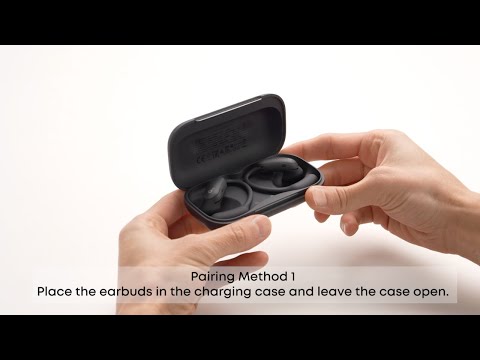
1. Place the earbuds in the charging case and then remove them to reconnect.

2. If the issue persists, reset the earbuds by placing the earbuds in the charging case and leaving the lid open. Hold the button on the case for more than 10 seconds. After 3 seconds, the case indicator light will start flashing white. After 10 seconds, the case indicator light will quickly flash white three times, indicating a successful reset.


If you encounter any other issues or your issue has not been resolved, please contact us for further assistance.

Unresolved icon
20 undefined
Download icon
AeroFit 2 Pro Kullanım Kılavuzu (A3875)
Download icon
Soundcore AeroFit 2 Pro 取扱説明書 (A3875)
Download icon
【A3875】【soundcore AeroFit 2 Pro】EU Declaration
Download icon
soundcore AeroFit 2 Pro Guide de l'utilisateur (A3875)
Play video
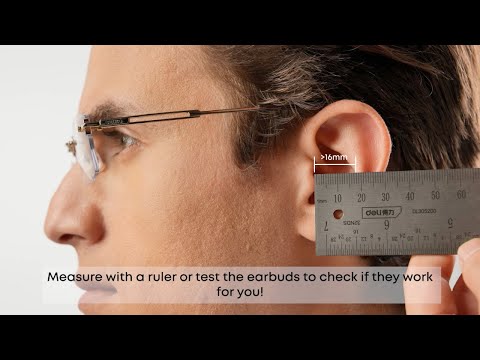
Will soundcore AeroFit 2 Pro Fit Me|soundcore Support
Play video
How to Wear and Switch Forms soundcore AeroFit 2 Pro|soundcore Support
Play video
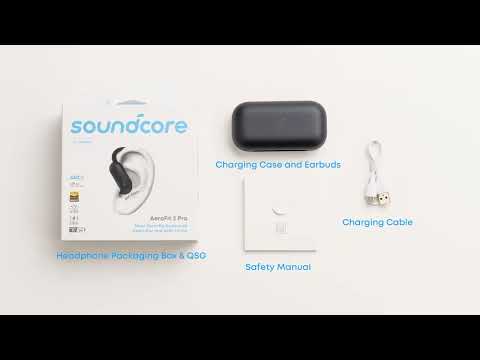
What's included in the packaging for soundcore AeroFit 2 Pro|soundcore Support
Play video
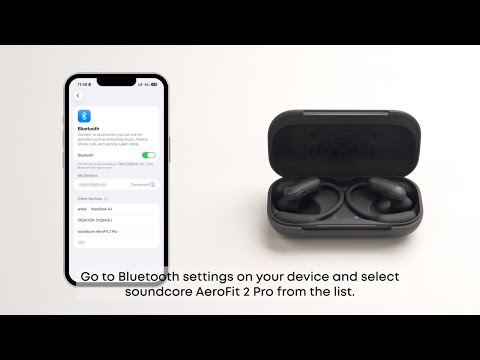
First Time Connecting soundcore AeroFit 2 Pro|soundcore Support
Play video
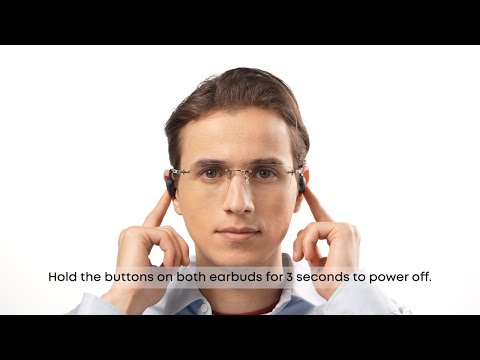
How to Use Button Controls of soundcore AeroFit 2 Pro Fit Me|soundcore Support
Play video
How to Manually Pair or Reset soundcore AeroFit 2 Pro|soundcore Support
View More
Contact Us