What should I do if ANC mode starts automatically after changing forms?
If ANC mode activates on its own after changing forms, you can turn off the automatic activation feature in the app.
Steps:
1. Download and install the latest version of the soundcore app, then connect your headphones.
2. Go to the main settings page for your headphones and disable the “Smart Noise Cancellation” option.
If the issue persists or you need additional help, please contact our support team — we’ll be glad to assist you further.


20 undefined
Tips for Using Your New soundcore AeroFit 2 Pro


What should I do if one of my soundcore AeroFit 2 Pro earbuds has no sound when connected to a MacBook?
What should I do if my soundcore AeroFit 2 Pro feel uncomfortable or don't stay securely in place?
What should I do if soundcore AeroFit 2 Pro feel uncomfortable or unstable when worn in ANC form?
How do I adjust the volume on my soundcore AeroFit 2 Pro?
How do I turn off "Noise Cancellation Switch Tone" and "Low Battery Prompt" on soundcore AeroFit 2 Pro?
How do I turn off soundcore AeroFit 2 Pro?
What should I do if sound outputs from my phone instead of soundcore AeroFit 2 Pro during a call?

AeroFit 2 Pro Kullanım Kılavuzu (A3875)
Soundcore AeroFit 2 Pro 取扱説明書 (A3875)
【A3875】【soundcore AeroFit 2 Pro】EU Declaration
soundcore AeroFit 2 Pro Guide de l'utilisateur (A3875)

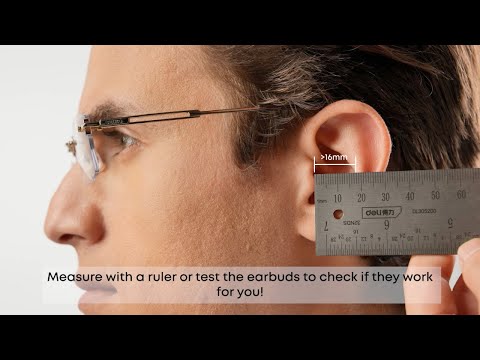
Will soundcore AeroFit 2 Pro Fit Me|soundcore Support
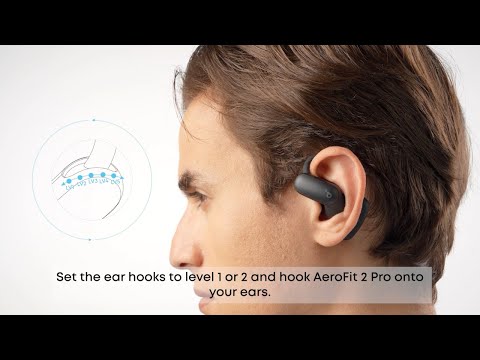
How to Wear and Switch Forms soundcore AeroFit 2 Pro|soundcore Support
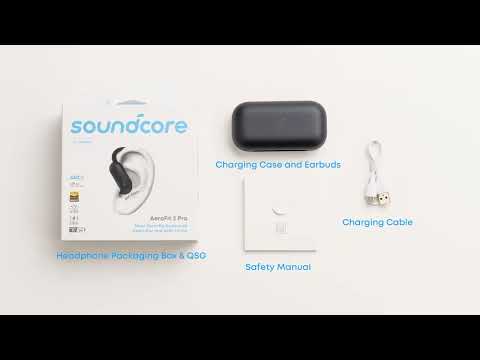
What's included in the packaging for soundcore AeroFit 2 Pro|soundcore Support
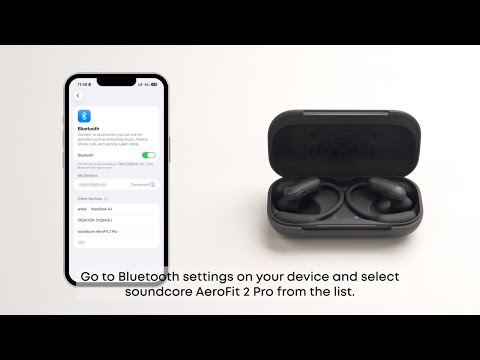
First Time Connecting soundcore AeroFit 2 Pro|soundcore Support
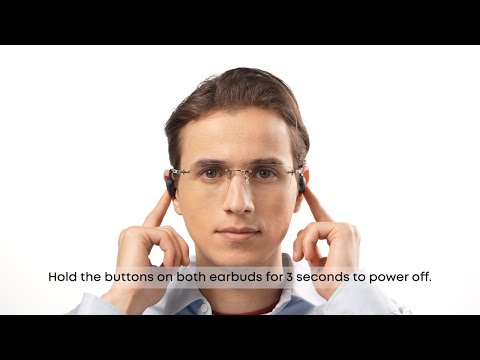
How to Use Button Controls of soundcore AeroFit 2 Pro Fit Me|soundcore Support
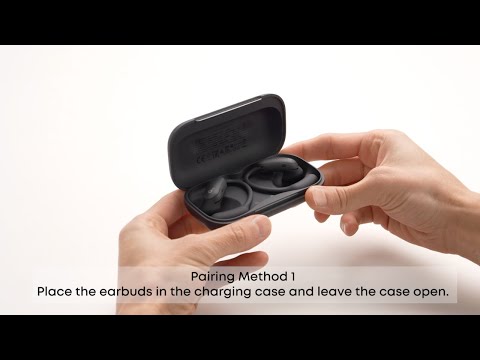
How to Manually Pair or Reset soundcore AeroFit 2 Pro|soundcore Support
View More


