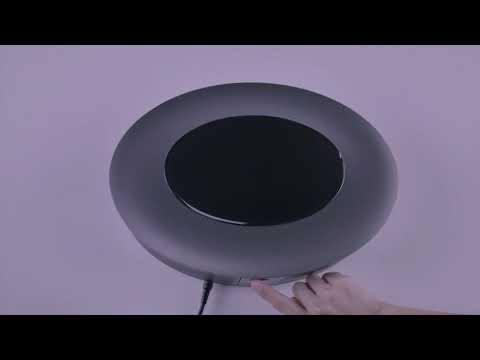
Projector's autofocus feature ensures that the projected image is as sharp as possible without the user having to manually adjust the projector's focus.
If your Cosmos or Cosmos Max projector loses focus and the image projected is blurry, please try the following steps:
1.Make sure Autofocus is turned on by selecting Settings > Projector Settings > Auto Focus Correction


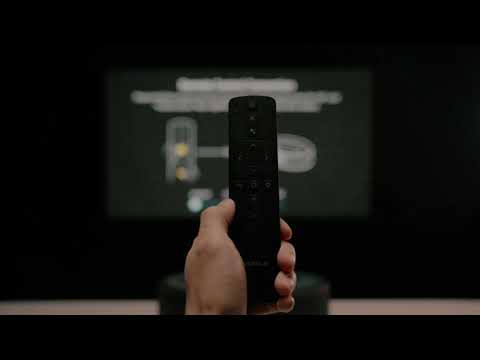
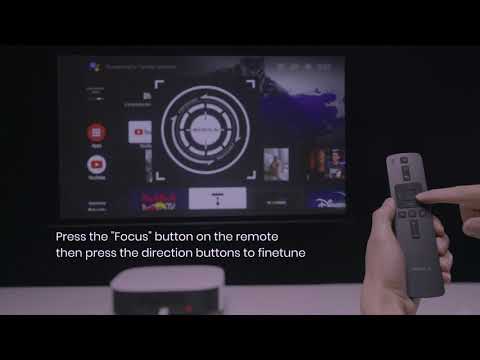
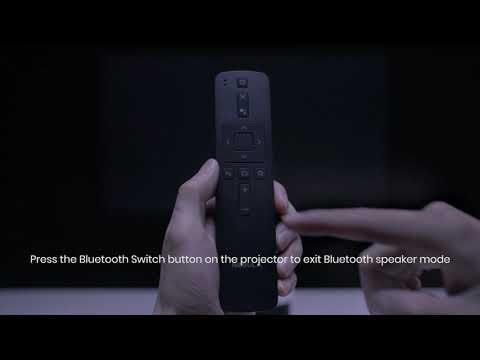
2.Slightly move the device or press the focus button on the remote to trigger the autofocus mechanism. If necessary, you can press the "left" and "right" buttons to manually adjust the focus when the autofocus symbol appears on screen.
If you still have a focus issue, please contact Support@seenebula.com for further assistance. Make sure to mention that you have tried the listed steps so our agents do not ask you to repeat these steps.