What Should I Do If There Are Bright or Colorful Lines on My Nebula Cosmos/ Cosmos Max?

If there are bright or colorful lines on your Nebula Cosmos/ Cosmos Max, perform a factory reset via the following steps:

 
  1. Press the Power button to turn on the projector.
  2. Immediately press and hold the power button until the Android Recovery page appears.
  3. Select "Wipe data / Factory reset."
 

If you continue to see bright or colorful lines in your projector display, please contact Nebula customer service. Please include a photo or short video showing the issue and mention that you have tried the recommended steps. This will help us find a solution for you much faster.


Unresolved icon
20 undefined
Download icon
D0413_Remote_UK_Declaration_of_Conformity
Download icon
D0413_Remote_EU_Declaration_of_Conformity_1
Download icon
D2150_Cosmos Max_QSG
Download icon
D2140_Cosmos_Declaration of Conformity
Download icon
D2150_Cosmos Max_Declaration of Conformity
Download icon
D2140_Cosmos_QSG
View More
Play video
How to Set Up an Android TV Projector
Play video
How to Cast Content from My Android Phone on Android TV Projectors
Play video
Setting Up the Bluetooth Remote on Android TV projectors
Play video
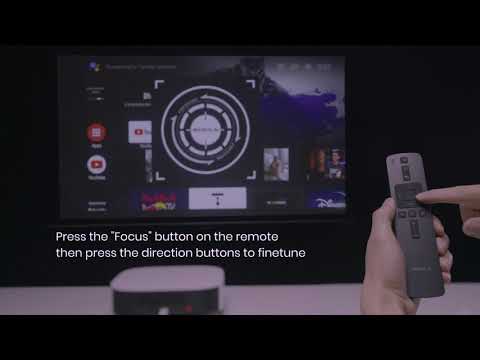
Auto & Manual Focus on Android TV projectors
Play video
Auto and Manual Keystone Correction on Android TV Projectors
Play video
Bluetooth Speaker Mode on Nebula projectors
View More
Contact Us