Smart Adaptation, Infinite Possibilities: IEA 5.0 Empowers Nebula X1/X1S to Master Any Environment
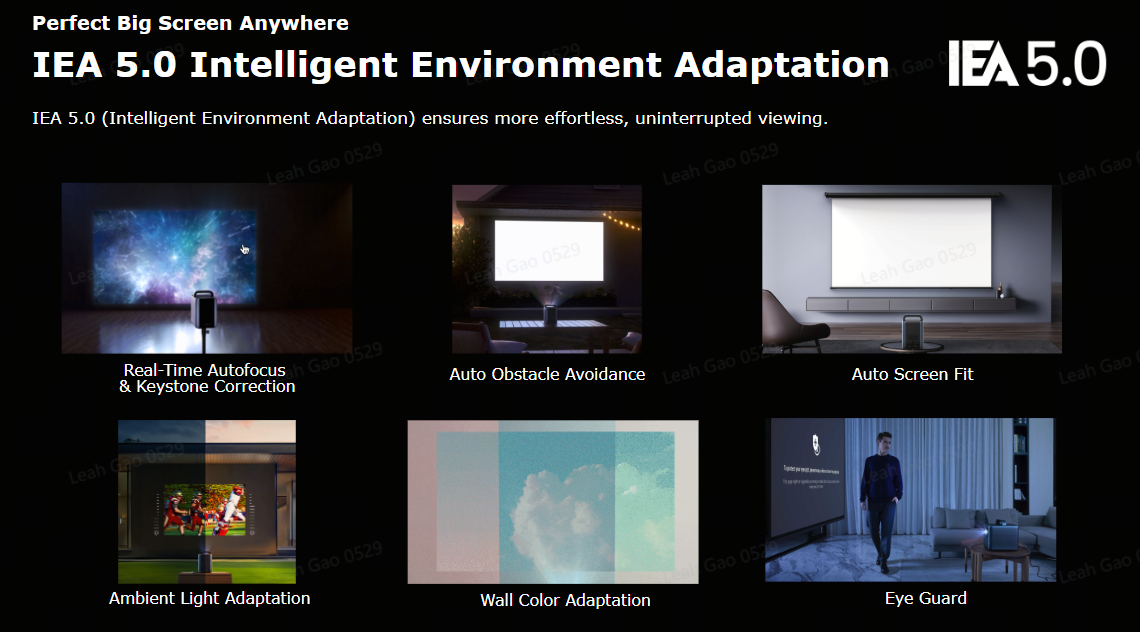
The Intelligent Environment Adaptation (IEA) technology revolutionizes home projection by seamlessly adjusting to any space, and its latest iteration, IEA 5.0, elevates this experience with groundbreaking features. While IEA 4.0 is designed for the Capsule Air and Cosmos 4K SE models, IEA 5.0 is first introduced on the Nebula X1/X1S, delivering advanced spatial intelligence and user convenience.
Below is a comparison of key features supported across both versions:
Feature
Description
IEA 5.0
IEA 4.0
Spatial Adaptation
After scanning the wall and automatically analyzing it, the projector precisely scales and positions the image to achieve the optimal size, brightness, and clarity.
✔️
❌
Spatial Recall
Quickly recall screen size, screen position, and wall color adaptation when projector is placed in previous location.
✔️
❌
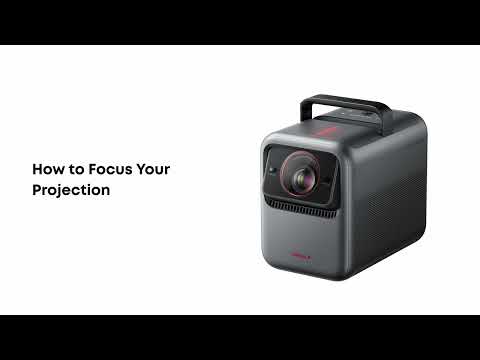
Real-time Focus & Keystone Correction
During the movement of the device, it continuously and quickly performs keystone correction to transform the image into a rectangular shape and adjust the focus.
✔️
✔️
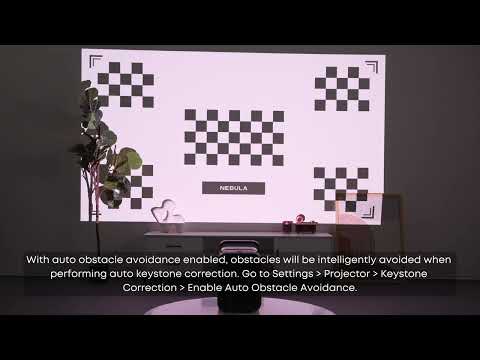
Auto Obstacle Avoidance
Automatically detects obstacles and adjusts the projection area to avoid blockages.
✔️
✔️
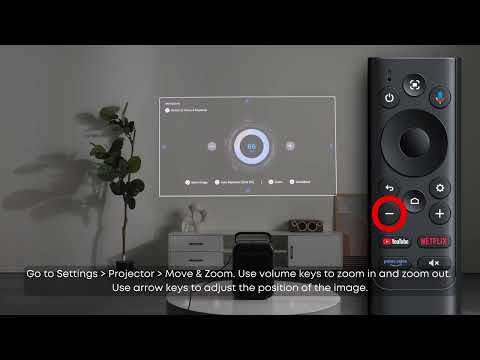
Auto Screen Fit
Automatically optimizes screen ratio and position based on space dimensions.
✔️
✔️
Ambient Light Adaptation
The screen brightness and dynamic contrast will automatically adjust based on ambient light intensity, screen size, and playback content.
✔️
✔️
Wall Color Adaptation
When projected onto non-white walls, it automatically adjusts the color of the image to match, effectively reducing color differences and restoring the true colors of the image.
✔️
✔️
Eye Guard
The intelligent eye guard technology automatically reduces screen brightness when it detects someone entering the projection area to prevent direct glare from harming the eyes. The safe distance for eye protection is greater than 0.2m and up to 3m.
✔️
✔️
If the above solutions cannot solve your issue, please contact Nebula Customer Support at support@seenebula.com for further assistance.