How to Connect USB Flash Drives to the projector?
1. Go to Launcher > Apps, search for "Nebula File Manager" in the search box, then click "Install."
2. Insert USB drive.
3. Open Nebula File Manager, find the USB drive path, and search for the required file in the USB drive.
Note: If there is no authorized file read permission, the folder will be displayed as empty.
If you still have any questions, please contact Support@seenebula.com for further assistance.


20 undefined
How Do I Play Files From My USB Drive with Projector?


Heat Dissipation Level
What are the latency levels of external consoles
Accessories for Nebula P1
Does it have a built-in battery
Recommended charging banks
Vision Fit Feature Overview
What is Nebula Master? What are its advantages?
Basic Audio Information Q&A

【D2342】NEBULA Cosmos 4K SE EU Declaration
【D2351】NEBULA X1 EU Declaration
Nebula P1 User Guide (D2431)
Nebula X1 Pro User Guide (D2151)
Nebula X1 دليل المستخدم (D2351)
Nebula X1 Οδηγός χρήσης
View More

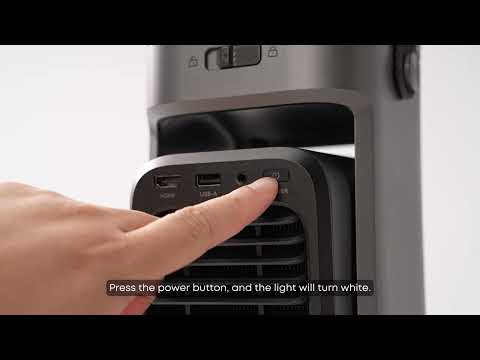
Unboxing Nebula P1 and Getting Started
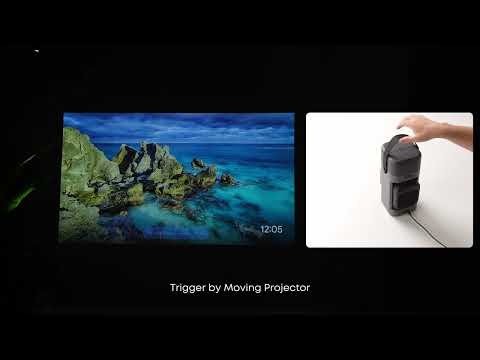
How to Focus Your Projection
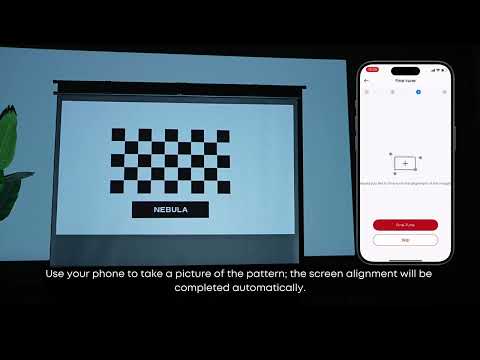
How to Use VisionFit for Screen Fit and Obstacle Avoidance
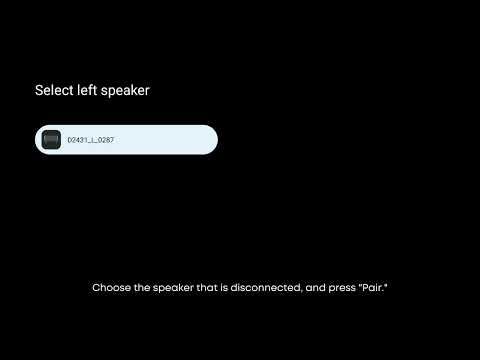
How to Reconnect the Surround Speakers
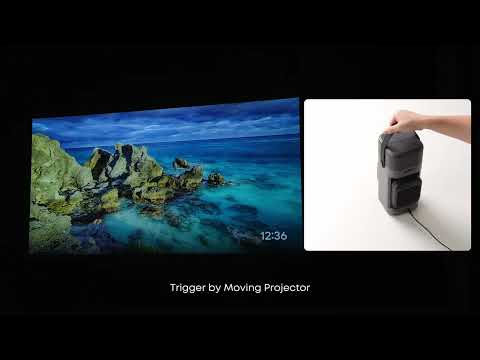
How to perform keystone correction on the P1
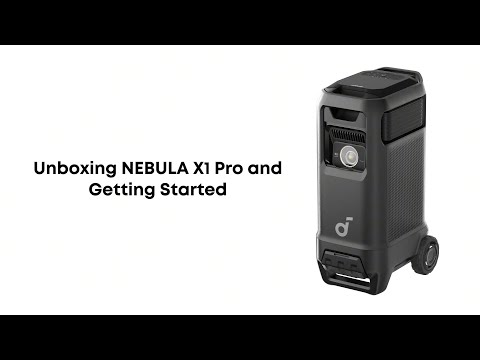
Nebula X1 Pro Unboxing and Quick Start Guide
View More


