Remote Control Shortcut Features Explanation.

Thank you for supporting our product. To quickly access the shortcut panel, simply press and hold the focus button on your remote for 1 second (without releasing). The shortcut panel offers the following features:

  • Manual Focus (default, center)

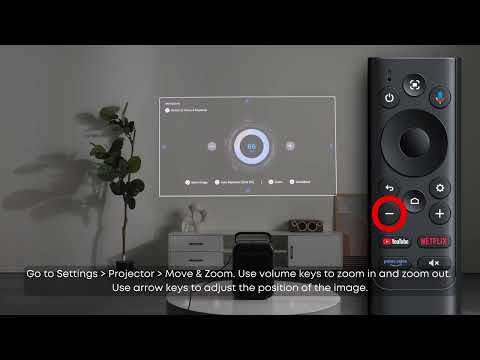
  • Move & Zoom (left)

  • Spatial Adaptation (right)

  • Screen Fit (up)

  • All Projector Settings (down)

Press in the direction of the desired function to activate it.

For further assistance, please refer to the user manual or contact our customer support team.

Unresolved icon
20 undefined
Download icon
【D2351】NEBULA X1 EU Declaration
Download icon
Nebula X1 دليل المستخدم (D2351)
Download icon
Nebula X1 Οδηγός χρήσης
Download icon
Nebula X1 Benutzerhandbuch (D2351)
Download icon
Nebula X1 Guía del Usuario (D2351)
Download icon
Nebula X1 Guide de l'utilisateur (D2351)
View More
Play video
How to Improve System Performance
Play video
How to Focus Your Projector
Play video
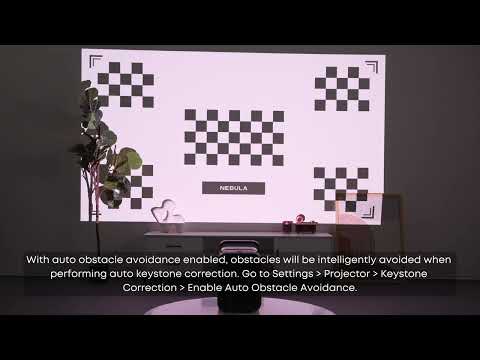
How to Perform Keystone Correction
Play video
How to Position or Resize the Projected Image
Play video
How to Use Spatial Adaptation and Spatial Recall
Play video
How to Use Wall Color Adaptation
View More
Contact Us