Vision Fit Feature Overview
Thank you for supporting our product.
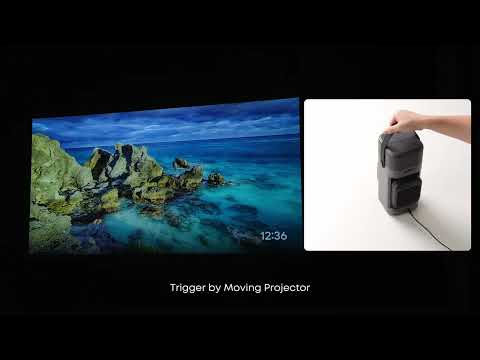
Vision Fit is mainly operated through Nebula Connect, allowing users to quickly access the screen and avoid obstacles.
1. If you need to enter the screen, please make sure the screen has a black border.
2. Automatically avoid obstacles in front of the screen when using the Vision Fit function.
If you need additional assistance, please contact our customer support team.


20 undefined
Heat Dissipation Level


What are the latency levels of external consoles
Accessories for Nebula P1
Does it have a built-in battery
Recommended charging banks
What is Nebula Master? What are its advantages?
Basic Audio Information Q&A
After connecting the projector to speakers, does the projector itself still output sound
Projector Charging Requirements

Nebula P1 User Guide (D2431)
【D2431】【soundcore NEBULA P1】EU Declaration

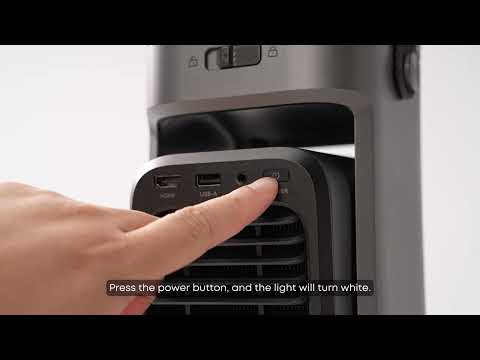
Unboxing Nebula P1 and Getting Started
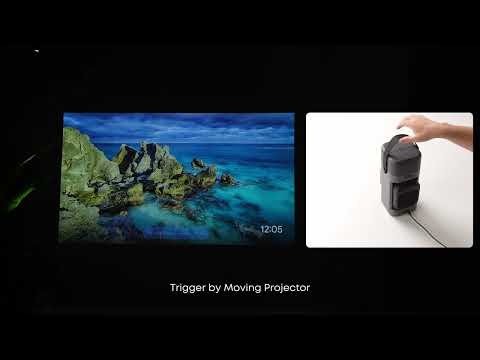
How to Focus Your Projection
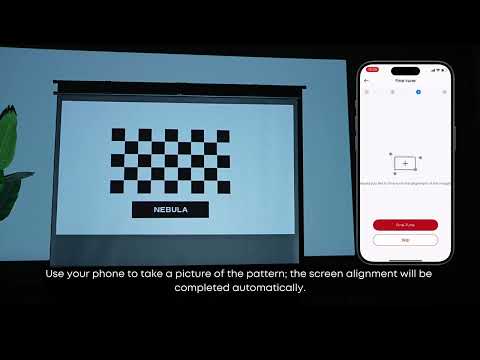
How to Use VisionFit for Screen Fit and Obstacle Avoidance
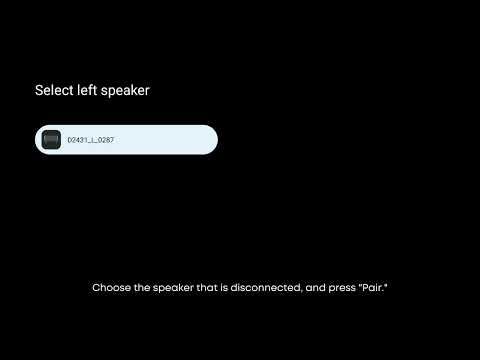
How to Reconnect the Surround Speakers
How to perform keystone correction on the P1
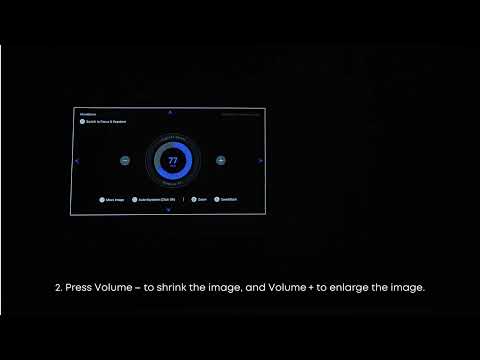
How to Position or Resize your Projection
View More


