How to Connect PowerConf and PowerConf S3 with Your PC?
There are 2 ways to connect the PowerConf and PowerConf S3 to your PC.
1. USB-C cable
Connect to your computer by using a USB-C cable.

2. Bluetooth
Connect to your computer via Bluetooth pairing.
- Powering on this product for the first time, it will automatically enter the Bluetooth pairing mode.
- Each time you power on the product, it will automatically connect with the last successful connected device if available.
- To disconnect Bluetooth, press the Bluetooth button again.
If you have additional questions, please contact AnkerWork customer service for further assistance.


20 undefined
The 4 Easiest Ways to Make Your Speakerphones Last a Lifetime


AnkerWork Warranty Policy
PowerConf A3301 FAQ
What settings can be controlled on the AnkerWork app?
How do I upgrade firmware?
How do I reset the Powerconf?

AnkerWork PowerConf S3 User Guide (A3302)
AnkerWork PowerConf User Guide (A3301)
PowerConf S3 Guide de l'utilisateur (A3302)
PowerConf Guia do usuário (A3301)
PowerConf Guía del Usuario (A3301)
PowerConf S3 Användarhandledning (A3302)
View More

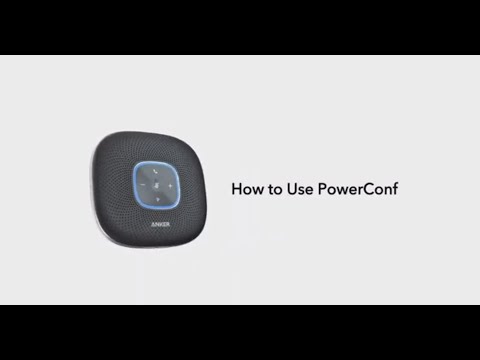
Anker PowerConf: How To Use


