How do I set my PowerConf as the default audio device on my Mac computer?
- Click "System Preference" in the top left corner of the desktop.
- Choose a sound output device.
- Select PowerConf for "Input."
- Select PowerConf for "Output."


20 undefined
The 4 Easiest Ways to Make Your Speakerphones Last a Lifetime


AnkerWork Warranty Policy
PowerConf A3301 FAQ
What settings can be controlled on the AnkerWork app?
How do I upgrade firmware?
How do I reset the Powerconf?
Will it turn off automatically?

AnkerWork PowerConf S3 User Guide (A3302)
AnkerWork PowerConf User Guide (A3301)
PowerConf S3 Guide de l'utilisateur (A3302)
PowerConf Guia do usuário (A3301)
PowerConf Guía del Usuario (A3301)
PowerConf S3 Användarhandledning (A3302)
View More

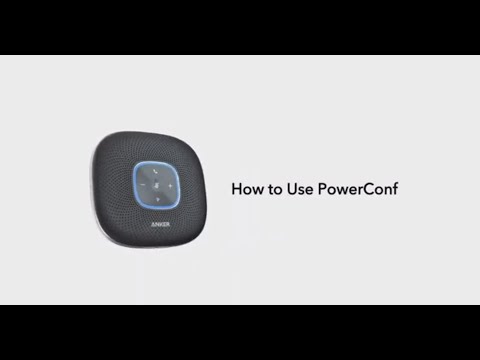
Anker PowerConf: How To Use


