How to Check the App Version of Nebula Connect
Here's how to find your current version of the Nebula Connect app:
1. Open the Nebula Connect App on your phone.
2. Tap "+" in the top right corner and choose "About."
3. The app version will be under the Nebula logo.


To update the Nebula Connect App, go to Apple Store or Google Play to check for new versions.
If you have additional questions, please contact us for further assistance.


181 undefined
How to Mirror or Stream Videos from an iOS Device to an Android TV Projector


How to Install and Use Netflix on Nebula Projectors (Android TV System)
How to Find an App in Nebula Manager/Store
How to Connect a Computer or Smartphone to a Nebula Projector through an HDMI Cable?
How to Mirror or Stream Videos from an Android Device to an Android TV Projector
How to Mirror or Stream Videos from an iOS Device to an Android Projector
How to Update the Firmware on Android Projector?
How to Connect an External Speaker to Your Projector (Android TV System)
How to Install and Use Disney+ on Android Projectors
How to Watch Videos Stored on a USB Flash Drive on a Nebula Projector with Android TV System

D2240_Prizm II_Manual
D2241_Prizm II Pro_Manual
D3000_FireTV Soundbar_Manual
D2121_Vega_Portable_EU_Declaration_of_Conformity_1
D2121_Vega_Portable_EU_Declaration_of_Conformity_2
Vega Series_Manual
View More

How to Set Up an Android TV Projector
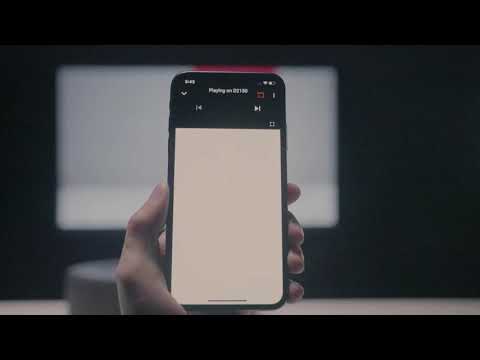
How to Cast Content from my iOS Phone on Android TV Projectors
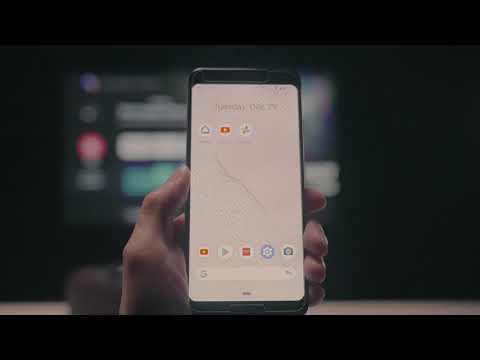
How to Cast Content from My Android Phone on Android TV Projectors
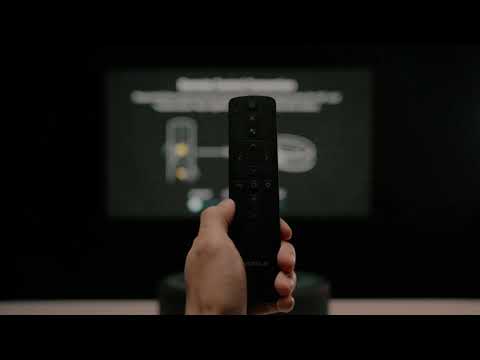
Setting Up the Bluetooth Remote on Android TV projectors
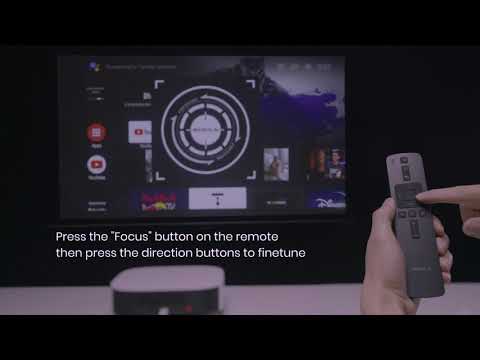
Auto & Manual Focus on Android TV projectors
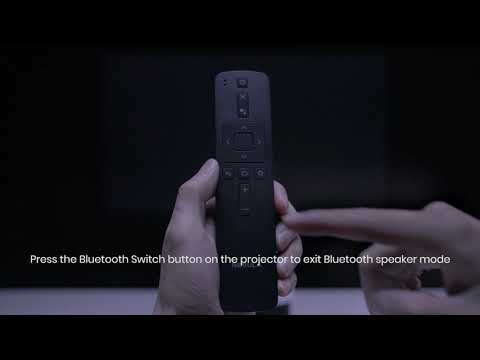
Bluetooth Speaker Mode on Nebula projectors
View More


