How to Install and Use Netflix on Nebula Projectors (Android TV System)
A compatible mobile version of Netflix for Nebula can be found in our own app store called "Nebula Manager". You can install it on your Nebula projector by following the steps below:
1. Update the firmware of your Nebula projector to the latest version by selecting: Settings > Device Preferences > About > System Update.
2. Install "Nebula Manager" from Google Play Store.
3. Install "Netflix" through the following steps: - Launch "Nebula Manager" - Input "Netflix" in the search bar - Click "Netflix" to install it - The Netflix app is updated regularly. If your app indicates that it is not working or needs an update, you can also follow the above method to download the latest app.
The current version of Netflix provided in the Nebula Manager app is a mobile version and it can only be controlled by using mouse mode. Thus, please install our "Anker Nebula" app on your Android or Apple smartphone and choose its mouse mode to control the app. Use two fingers to scroll up and down on the control area of the Anker Nebula when it is in mouse mode to navigate Netflix.
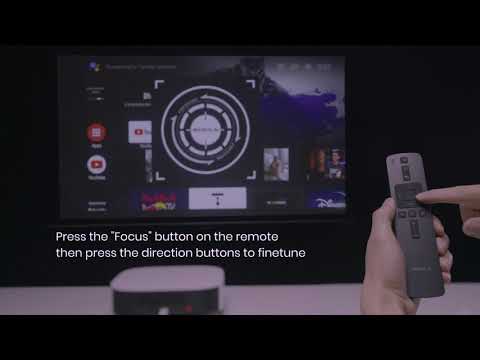
Below is a video showing how to install and navigate Netflix for your reference.
If you have additional questions, please contact us for further assistance.