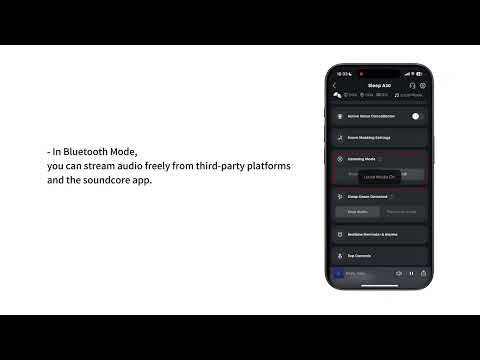
You can access Auto-Switch Once Asleep settings within the app:
1. Play Local Audio, ANC Off: After detecting you've fallen asleep, the device (if playing audio) will switch to Local mode and turn off active noise cancellation.
2. Pause Audio: After detecting you've fallen asleep, the device will switch to Local mode, stop audio playback, and maintain pre-sleep active noise cancellation settings.
3. Keep Audio: After detecting you've fallen asleep, the device will stop playing audio and maintain pre-sleep audio and active noise cancellation settings.
Note: If no audio is playing before you fall asleep, audio will not play after you fall asleep.
If you encounter any other issues or your issue has not been resolved, please contact us for further assistance.