How do I turn off the Sleep A30 alarm when it goes off?
1. Double-tap either earbud to pause the alarm.
2. Place the earbuds back into the charging case to automatically stop the alarm.
If you have any more issues or your issue has not been resolved, please contact us for further assistance.


20 undefined
Why is the Sleep A30 alarm clock not accurate?


How do I set an alarm with Sleep A30?
Sleep A30 Tap Function Introduction and Usage Tips
Why can Sleep A30 only store one white noise sound locally?
How do I download white noise to my Sleep A30?
What should I do if the sound quality is poor when using Sleep A30 in Bluetooth mode?
Why is the Sleep A30 Sleep Test not accurate?

【D1301】【soundcore Sleep A30】EU Declaration
soundcore Sleep A30 Przewodnik Użytkownika (D1301)
soundcore Sleep A30 Guide de l'utilisateur (D1301)
soundcore Sleep A30 Benutzerhandbuch (D1301)
soundcore Sleep A30 Guía del Usuario (D1301)
soundcore Sleep A30 Brukerhåndbok (D1301)
View More

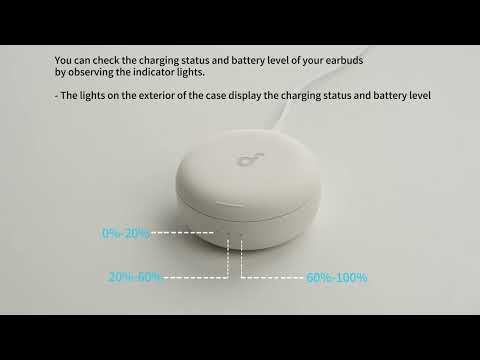
Sleep A30's Indicator Lights
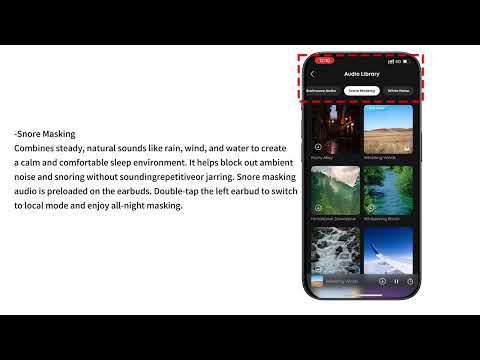
Audio Options for Sleep A30
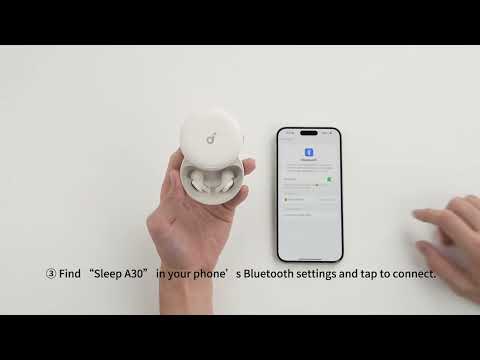
Connecting with Bluetooth
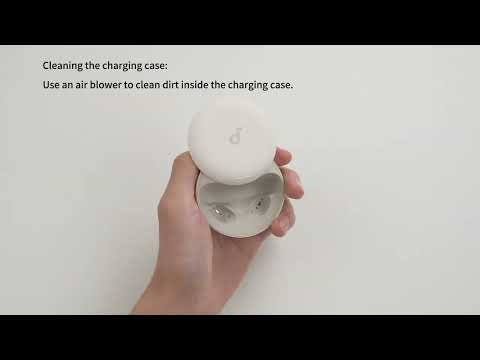
Deep Cleaning Your Earbuds

Setting Audio Timer
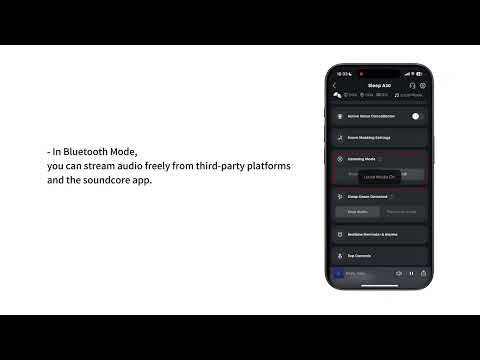
What are the two audio modes and how do I use them?
View More


