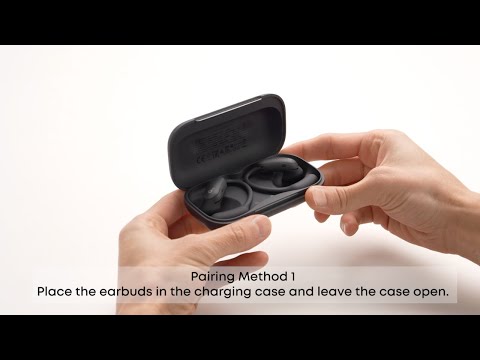
How do I turn off soundcore AeroFit 2 Pro?

1. Place the earbuds back into the charging case and close the lid to automatically power off and disconnect from Bluetooth.

2. While wearing the earbuds, simultaneously press and hold both earbud buttons for 3 seconds to power off (press and hold for 3 seconds again to power on).

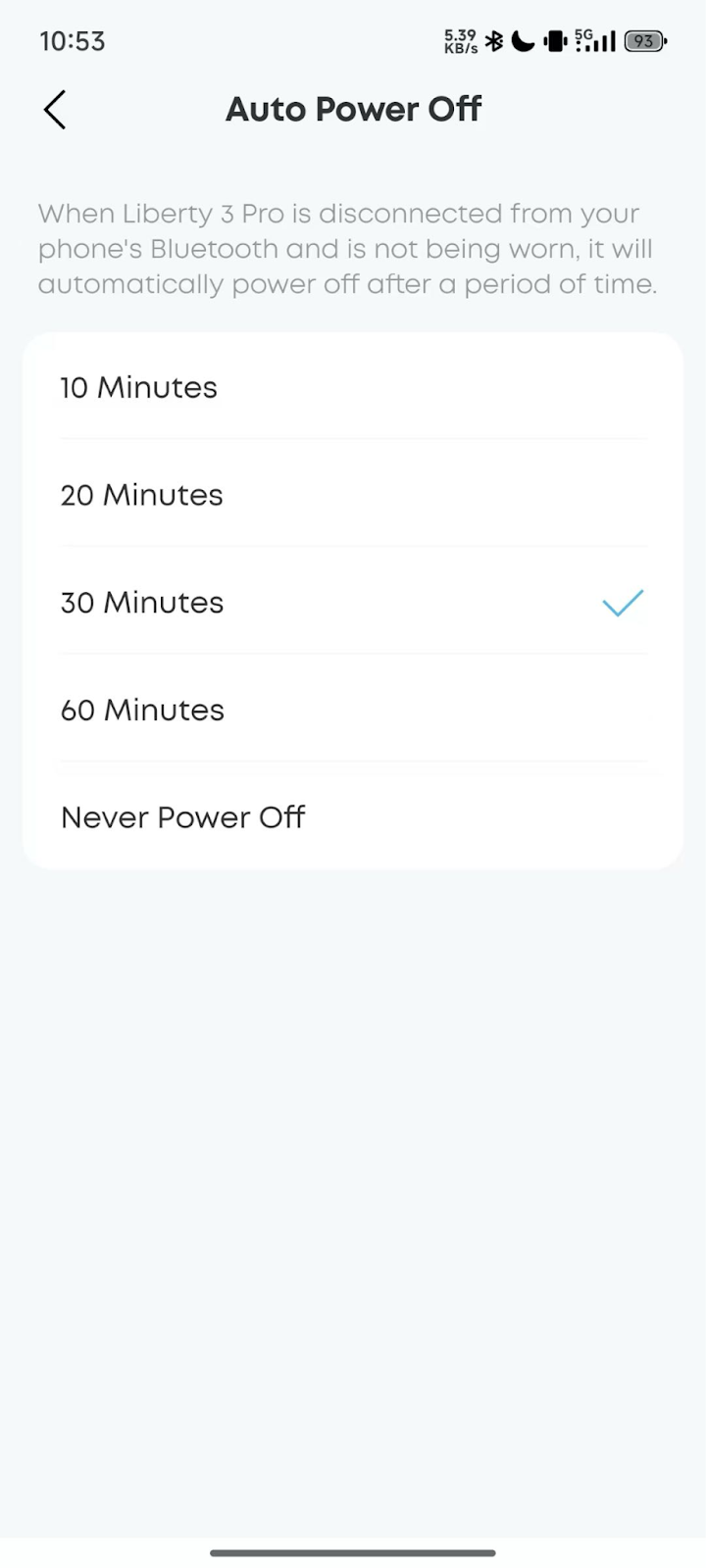
3. If the earbuds are not connected to Bluetooth and not being worn, they will automatically power off after 30 minutes (the auto power-off time can be customized in the soundcore app).

If you encounter any other issues or your issue has not been resolved, please contact us for further assistance.

Unresolved icon
20 undefined
Download icon
AeroFit 2 Pro Kullanım Kılavuzu (A3875)
Download icon
Soundcore AeroFit 2 Pro 取扱説明書 (A3875)
Download icon
【A3875】【soundcore AeroFit 2 Pro】EU Declaration
Download icon
soundcore AeroFit 2 Pro Guide de l'utilisateur (A3875)
Play video
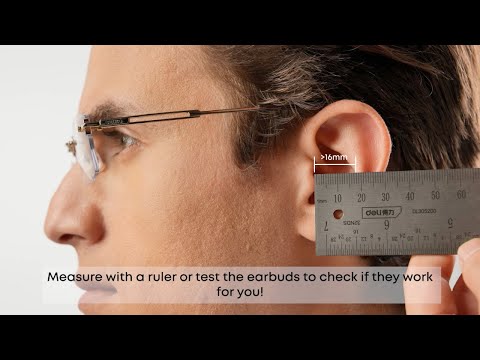
Will soundcore AeroFit 2 Pro Fit Me|soundcore Support
Play video
How to Wear and Switch Forms soundcore AeroFit 2 Pro|soundcore Support
Play video
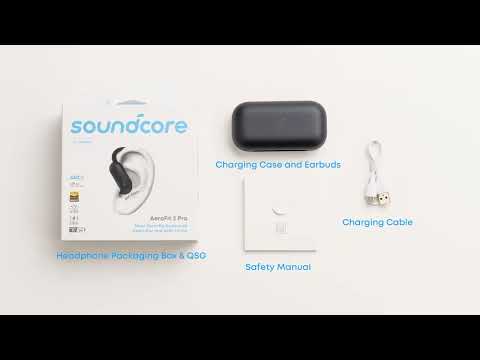
What's included in the packaging for soundcore AeroFit 2 Pro|soundcore Support
Play video
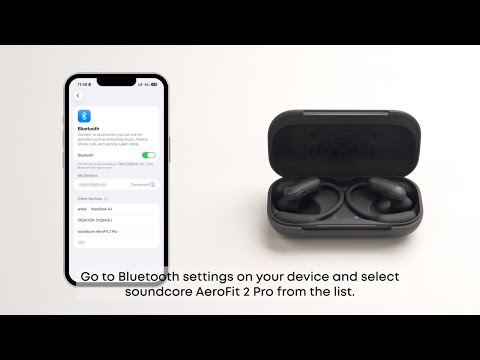
First Time Connecting soundcore AeroFit 2 Pro|soundcore Support
Play video
How to Use Button Controls of soundcore AeroFit 2 Pro Fit Me|soundcore Support
Play video
How to Manually Pair or Reset soundcore AeroFit 2 Pro|soundcore Support
View More
Contact Us