1. Place the earbuds in the charging case and keep the lid open.
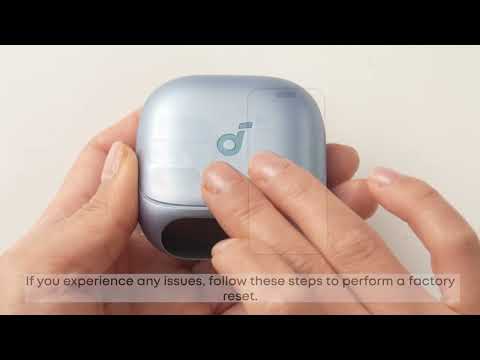
2. Hold the button on the back of the charging case for 10 seconds until the screen displays "Resetting..." and returns to the home screen. This means the reset is complete.
Note:
Make sure the earbuds are properly connected to the case during reset. To verify this, check that:
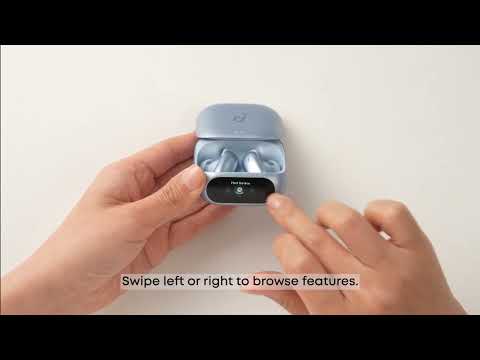
- When the earbuds are slotted in the case, a charging icon (⚡️) appears for each earbud (left and right) on the charging case screen.
If the icons do not appear, check the following:
1. The left earbud must be placed on the left side of the case, and the right earbud on the right side. They should snap in magnetically.
2. Ensure both the charging case and earbuds have sufficient battery.
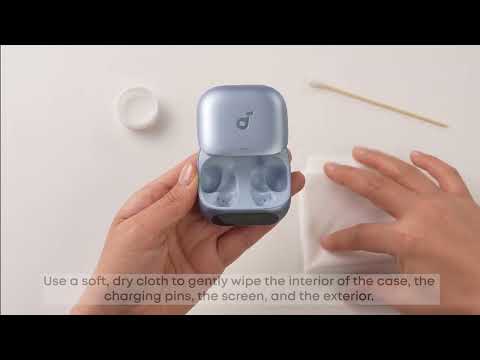
3. Clean the charging pins with an alcohol swab to remove any dirt or debris.
If you encounter any other issues or your issue has not been resolved, please contact us for further assistance.