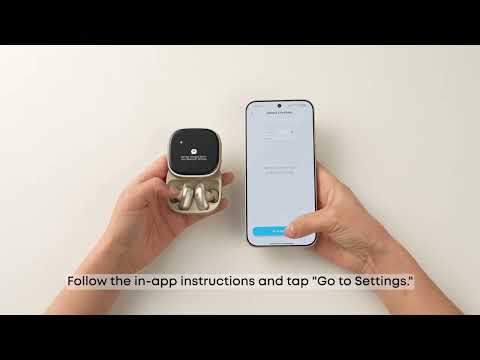
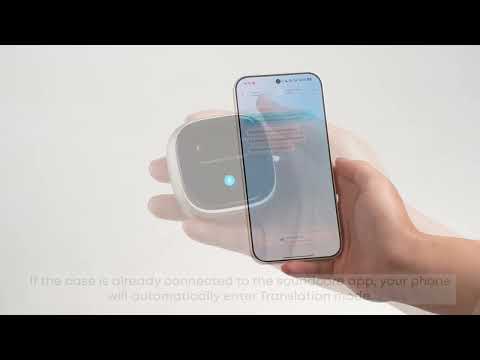
When already connected to one device:
Method 1: Press and hold the touch area on both earbuds simultaneously for 3 seconds until you hear the pairing prompt tone, then enter Bluetooth pairing for dual-device connection.
Method 2: Go to App Settings (top right) > Multi-Device Connection List > Connect New Device.
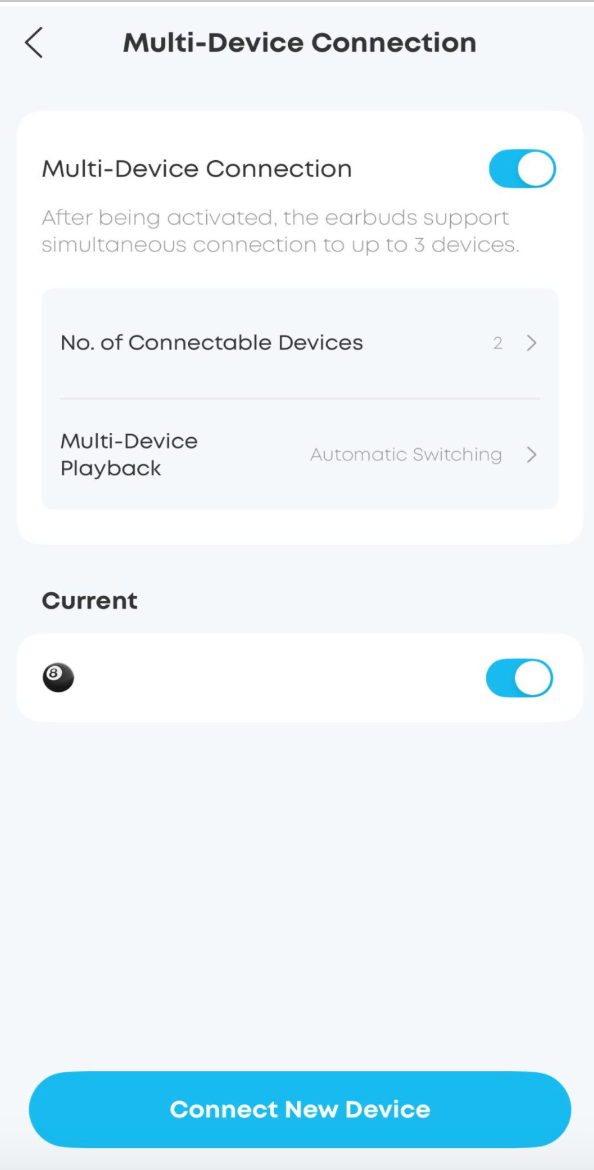
Method 3: Place the earbuds in the charging case. With the lid open, hold the case button for 3 seconds to enter Bluetooth pairing for dual-device connection.
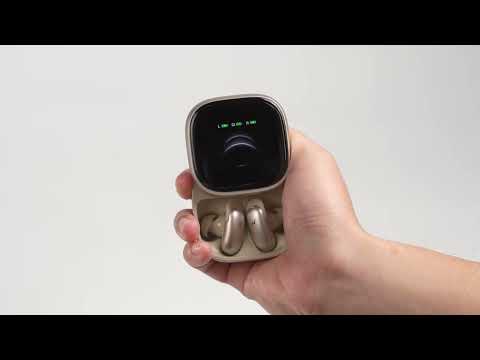
Method 4: With the earbuds in the case and the lid open, swipe down on the case screen until you find the Bluetooth icon. Tap to enter the Multi-Device Connection screen, then press the "+" button on the top right to connect a new device.
If you encounter any other issues or your issue has not been resolved, please contact us for further assistance.