How do I configure audio settings for soundcore Liberty 5 Pro Max on a computer?

On Windows:

1. For audio only: Set computer audio to "soundcore Liberty 5 Pro Max Stereo."

2. For conferencing software (Zoom, Teams, etc.):

2.1 Set both microphone and speaker to "soundcore Liberty 5 Pro Max Hands-Free" within the app.

2.2 If input/output devices cannot be set within the app, open computer audio settings and set both input and output to "soundcore Liberty 5 Pro Max Hands-Free."

3. Adjust both the app and computer volume.

On macOS:

Input and output are set to "soundcore Liberty 5 Pro Max" by default. No additional configuration is needed.


If you encounter any other issues or your issue has not been resolved, please contact us for further assistance.

Unresolved icon
20 undefined
Download icon
soundcore Liberty 5 Pro Max Guía del Usuario (D1204)
Download icon
soundcore Liberty 5 Pro Max Guida per L'utente (D1204)
Download icon
soundcore Liberty 5 Pro Max Guide de l'utilisateur (D1204)
Download icon
soundcore Liberty 5 Pro Max Benutzerhandbuch (D1204)
Download icon
soundcore Liberty 5 Pro Max Uživatelská Příručka (D1204)
Download icon
【D1204】【soundcore Liberty 5 Pro Max) EU Declaration
View More
Play video
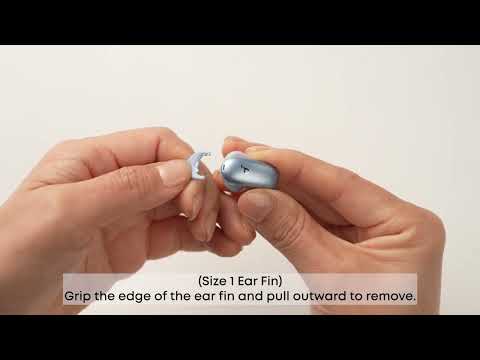
How Do I Wear My soundcore Liberty 5 Pro Max Properly?
Play video
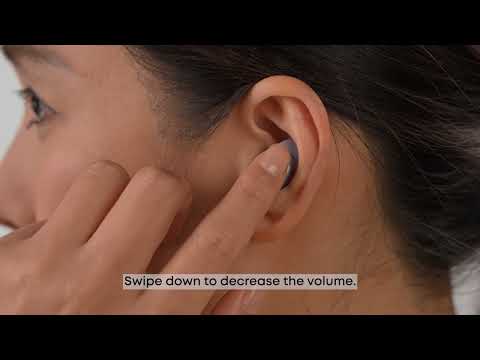
How Do I Use the Touch Controls?
Play video
How Do I Pair or Reset the Earbuds?
Play video
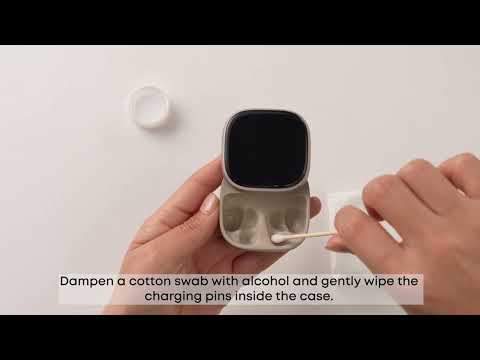
How do I Clean My Earbuds and Charging Case?
Play video
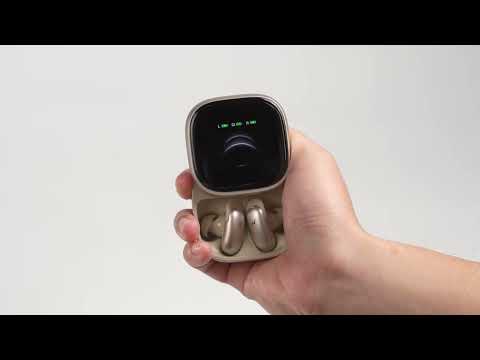
How Do I Connect to Liberty 5 Pro Max's Charging Case?
Play video
How Do I Use AI Translation on the Charging Case?
View More
Contact Us