How do I adjust the volume on my soundcore AeroFit 2 Pro?
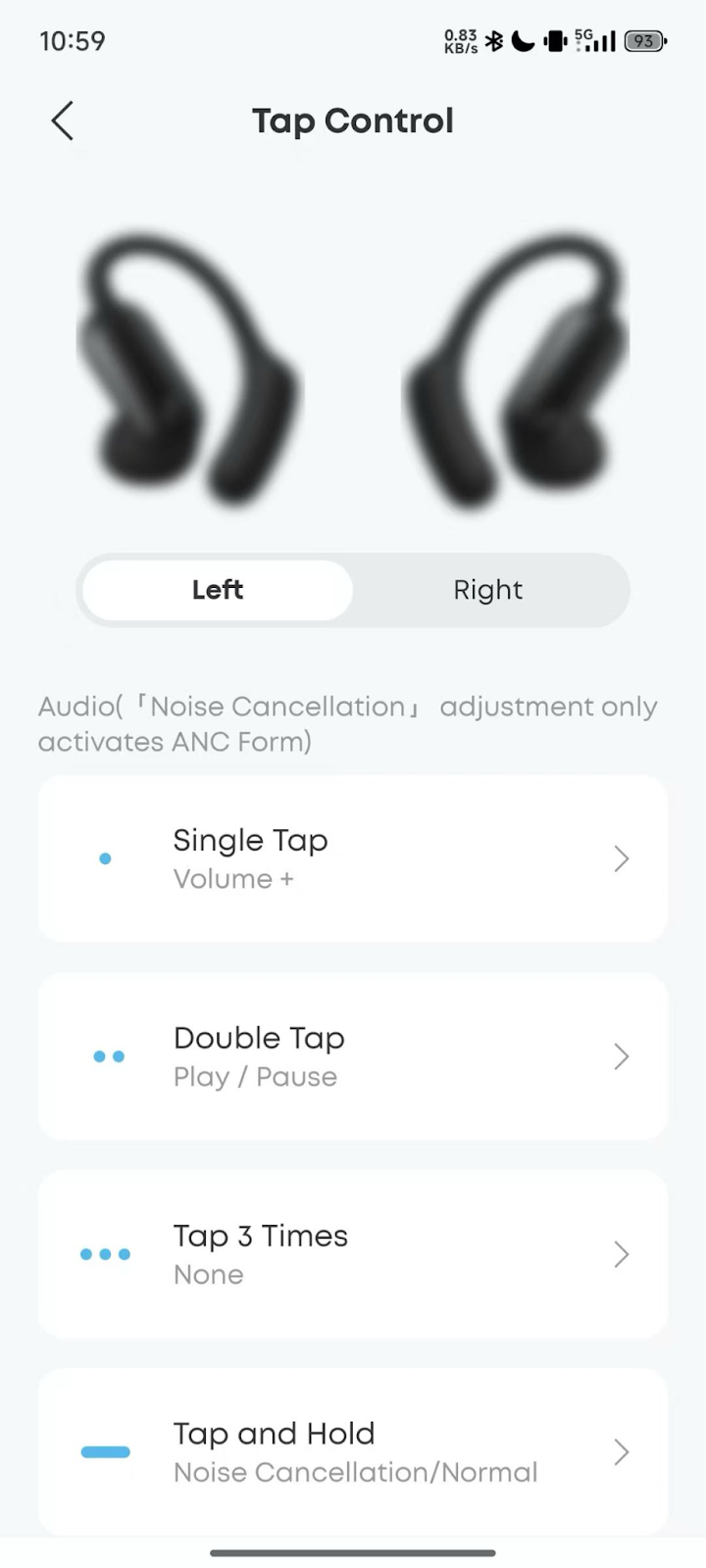
This feature is not enabled by default on soundcore AeroFit 2 Pro. You can customize touch controls in the soundcore app, such as setting a single tap on the left ear to "Volume +" and a single tap on the right ear to "Volume -."
If you encounter any other issues or your issue has not been resolved, please contact us for further assistance.


20 undefined
Tips for Using Your New soundcore AeroFit 2 Pro


What should I do if one of my soundcore AeroFit 2 Pro earbuds has no sound when connected to a MacBook?
What should I do if my soundcore AeroFit 2 Pro feel uncomfortable or don't stay securely in place?
What should I do if soundcore AeroFit 2 Pro feel uncomfortable or unstable when worn in ANC form?
How do I turn off "Noise Cancellation Switch Tone" and "Low Battery Prompt" on soundcore AeroFit 2 Pro?
How do I turn off soundcore AeroFit 2 Pro?
What should I do if sound outputs from my phone instead of soundcore AeroFit 2 Pro during a call?

AeroFit 2 Pro Kullanım Kılavuzu (A3875)
Soundcore AeroFit 2 Pro 取扱説明書 (A3875)
【A3875】【soundcore AeroFit 2 Pro】EU Declaration
soundcore AeroFit 2 Pro Guide de l'utilisateur (A3875)

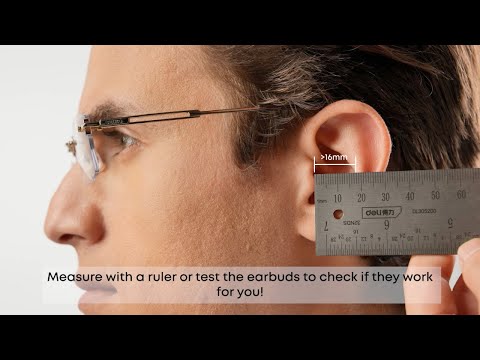
Will soundcore AeroFit 2 Pro Fit Me|soundcore Support
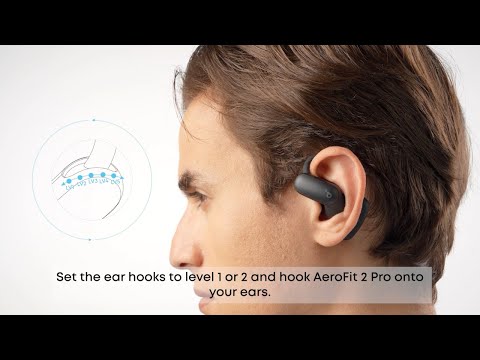
How to Wear and Switch Forms soundcore AeroFit 2 Pro|soundcore Support
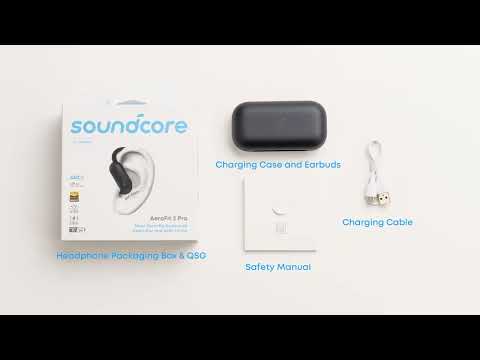
What's included in the packaging for soundcore AeroFit 2 Pro|soundcore Support
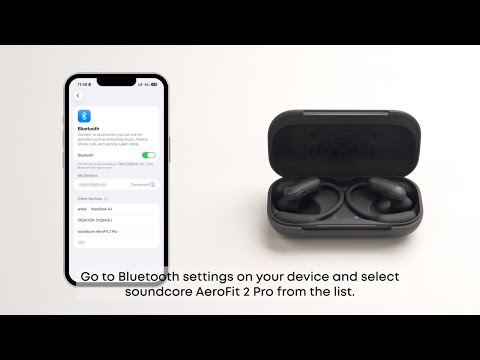
First Time Connecting soundcore AeroFit 2 Pro|soundcore Support
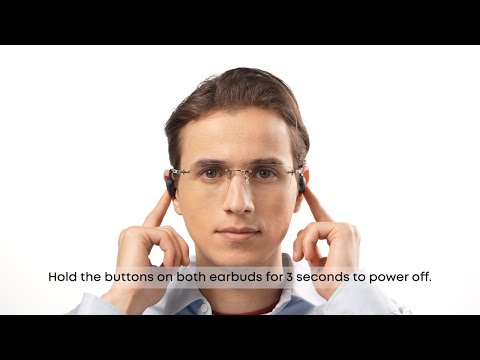
How to Use Button Controls of soundcore AeroFit 2 Pro Fit Me|soundcore Support
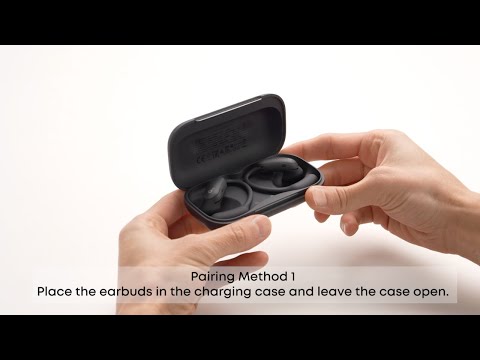
How to Manually Pair or Reset soundcore AeroFit 2 Pro|soundcore Support
View More


