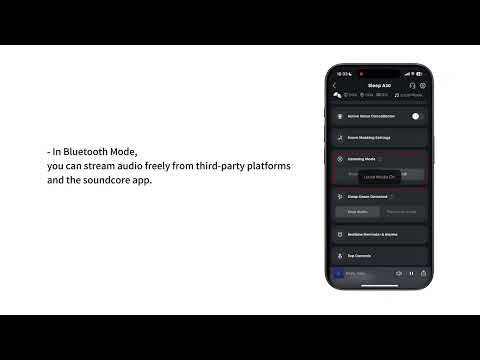
White noise must be downloaded through the soundcore app while your earbuds are connected in Bluetooth mode. Downloads are supported in both Local and Bluetooth mode, but third-party audio cannot be imported. Only 1 white noise track can be saved in your earbuds at a time.
How to download:
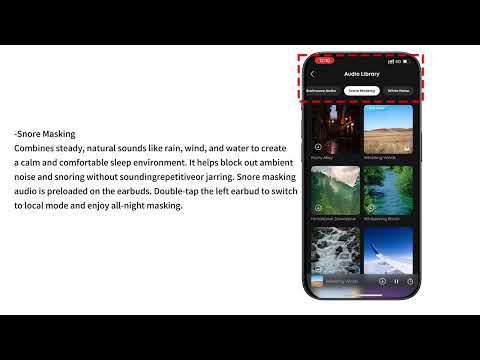
1. Open the soundcore app and go to “Audio Library”
2. Tap the “White Noise” tab and select the audio you want to download
3. Tap the Up-Arrow icon at the bottom of the play bar
4. Tap “Transfer” in the pop-up menu to start the download
5. Once download is complete, the white noise will automatically be saved to your earbuds and be available for playback in Local mode
If you have any more issues or your issue has not been resolved, please contact us for further assistance.