How to Power the soundcore K20i On and Off
This article will show you how to power the soundcore K20i on and off.
Power On:
For subsequent use, place the earbuds in the charging case. Just take the earbuds out from the charging case to turn them on.
Please be advised that this model does not support the functionality of turning them on without the case or manually powering them on.
Power Off:
1) Place the earbuds in the charging case to turn them off.
2) If you take the earbuds out of the charging case and don't wear them or connect them to any device, they will turn off within 30 minutes.
Please note you can set an automatic shutdown time via the soundcore app.
If you encounter any other issues or your issue has not been resolved, please contact us for further assistance.


22 undefined
How to Reset Your soundcore Headphones


Guide to Locating the Serial Number (SN) of Your soundcore Headphones
soundcore K20i Earbuds FAQ
How to Fix soundcore K20i Earbuds Pairing Issues
How to Reset soundcore K20i
How to Fix soundcore K20i Earbuds Battery Issues
How to Increase Volume on soundcore K20i When Connected to an Android Phone
How to Power the soundcore K20i On and Off
How to Enhance soundcore K20i Sound Quality
How to Improve the Bass Quality of Your soundcore K20i Earbuds

A3991 Life P2i Quick Start Guide
A3991 Life P2i DOC
A3991 Life P2i User Manual
A3992C_soundcore_Life_A3i_Manual
A3992 Life A3i Quick Start Guide
EU Declaration of Conformity for soundcore A3i_A3992
View More

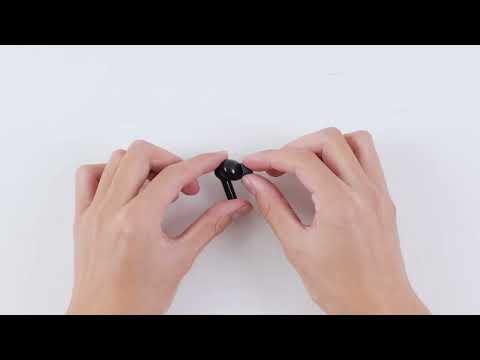
How to Use Life P2i

How to Clean Your Headphones
How to Clean Your Headphones
How to Clean Your Headphones


