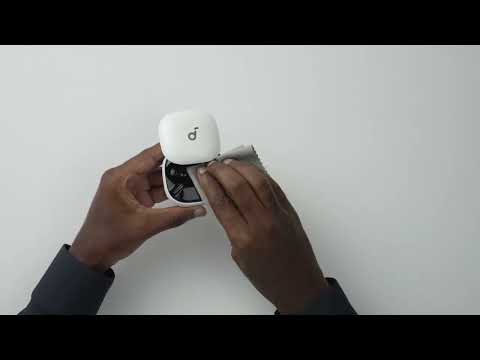
To fix this issue, please try the following steps;
1. Remove the ear tips from the earbuds and clean the metal filter mesh. Use a soft cloth with a few drops of cleaning alcohol to gently wipe the affected areas.
2. Fully charge your earbuds and reset them by following these steps:
- Place the earbuds into the charging case and leave the case open.
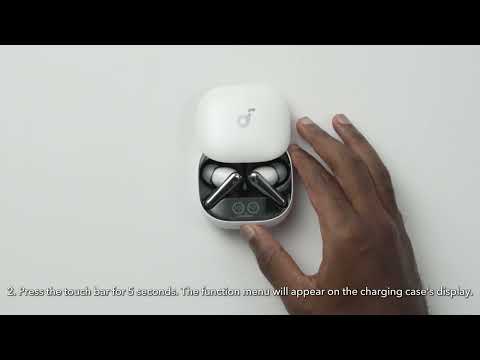
- Press and hold the touch bar on the charging case for 5 seconds. A function menu will appear on the case's display. Slide to select Reset, then double-tap to confirm. After the reset is completed, a "Reset Successful" prompt will appear along with a single-tone chime, which will fade after 2 seconds. This confirms a successful reset.
Note: Ensure the earbuds are properly placed in the charging case and that the battery level is displayed on the charging case's screen for a successful reset.
3. Check the volume balance on your Bluetooth phone.
On Android: Go to Settings > Accessibility > Audio and On-Screen Text > Audio > Balance.
On iPhone: Go to Settings > Accessibility > Audio/Visual > Audio Balance.
On Samsung: Go to Settings > Accessibility > Hearing Enhancements > Connected Audio.
Note: Shifting the balance to the left will make the left earbud louder and the right one quieter. Shifting the balance to the right will make the right earbud louder and the left one quieter.
If you have any more issues or your issue has not been resolved, please contact us for further assistance.