Experiencing unresponsive touch controls on your earbuds can be frustrating, especially when you rely on them for seamless operation. Here are some steps you can take to troubleshoot and resolve the issue:
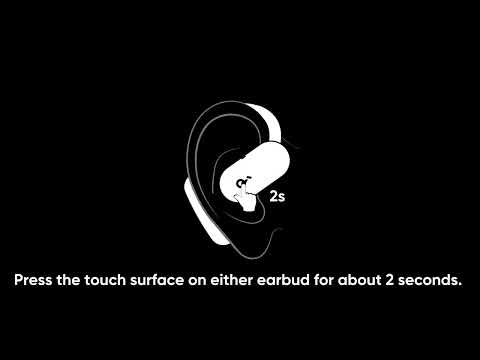
1. The touch-sensitive area is located in the center of the earbuds' logo. When using touch controls, ensure you touch this specific area.
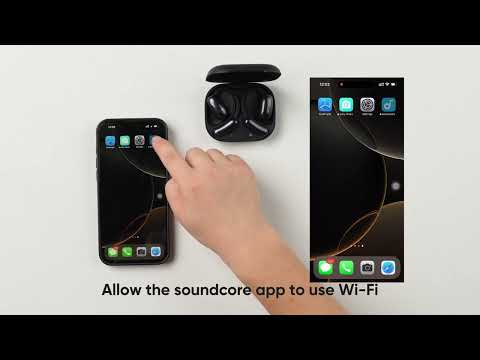
2. Ensure the touch control feature is enabled in the app. If it's off, turn it on and try again.
3. If the issue persists, reset the earbuds: Return the earbuds to the charging case and leave the case open. Press the button on the case for more than 10 seconds. After 3 seconds, the case indicator light will start flashing white. After 10 seconds, the case indicator light will quickly flash white three times, indicating a successful reset.
If you encounter any other issues or your issue has not been resolved, please contact soundcore customer support for further assistance.