How to Disable Sound When Turning On/Off The Speaker
We currently have a "Voice Prompt" function on some speakers when turning on/off or connecting/disconnecting via Bluetooth.
If you don't wish to activate Voice Prompt, you can download the Soundcore App on your phone from Apple App Store or Google Play Store and then use the app to disable the "Voice Prompt" feature as shown in the picture below. When you use the speaker next time, you will not hear a sound when turning on/off or when connecting/disconnecting the speaker via Bluetooth.
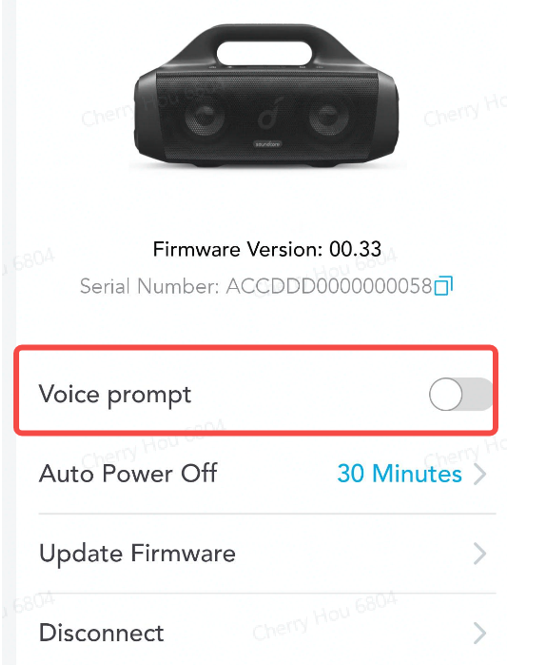
Please note that not all of our speakers have this "Voice Prompt" function. Listed below are the speakers that currently support this feature.
|
|
|
|
|
|
|
|
|
|
|
|
|
|
|
|
|
|
|
|
|
|
|
|
|
|
If you have additional questions, please contact us at service@soundcore.com for further assistance.


100 undefined

A33A1_Rave Neo 2 SE_QSG (CA-Costco Customized Version)
A33A1 Rave Neo 2 SE Manual (CA-Costco Customized Version)
A33A1_Rave Neo 2_QSG
A33A1_Rave Neo 2_Manual
【A33A1】soundcore Rave Neo 2 EU Declaration
soundcore Rave Neo 2 User Guide (A33A1)
View More

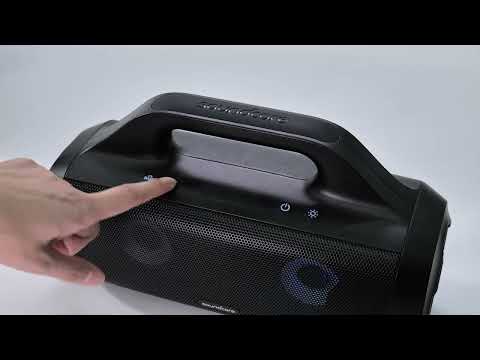
How to pair Rave Neo 2 with Select Pro
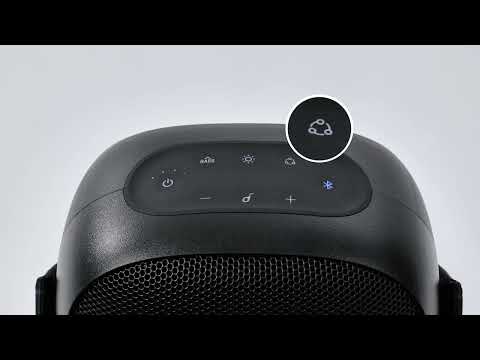
How to pair Rave Neo 2 with Rave Neo
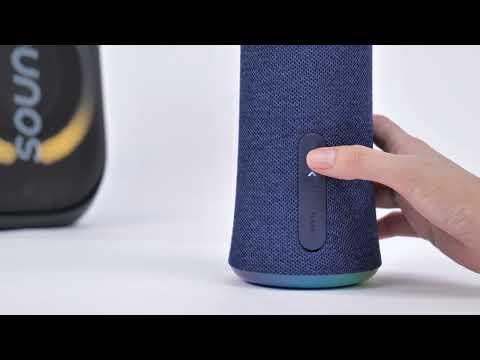
How to pair Rave Neo 2 with Flare 2
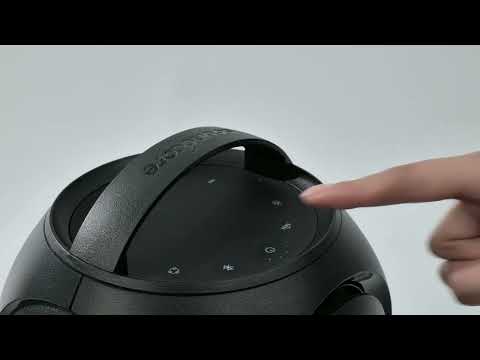
How to pair Rave Neo 2 with Rave PartyCast
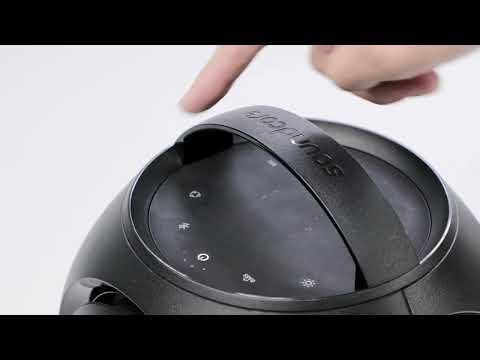
How to pair Motion Boom Plus with Rave PartyCast
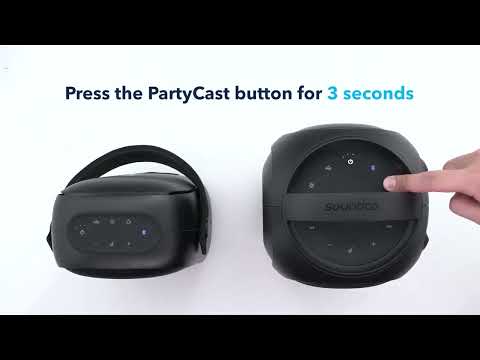
How to pair Rave Neo, Rave PartyCast, and Trance Go Speakers via PartyCast
View More


