How do I reset soundcore P31i/R60i NC?

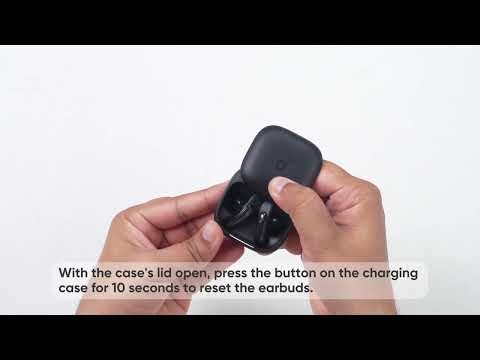
Reset your earbuds by following these steps:

- Remove the earbuds from the charging case.

- After putting on the earbuds, simultaneously press and hold the touch area on both earbuds for 10 seconds. Hearing a prompt tone confirms a successful reset.


If the earbuds fail to reset, troubleshoot using the following steps:

1. Ensure the charging case and earbuds can connect properly.

2. Verify that both the charging case and earbuds have sufficient battery power.

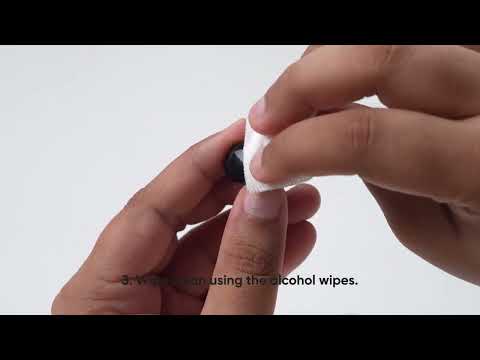
3. Clean the charging pins with a dry cloth to remove any dirt or debris that may interfere with the charging process.


If you encounter any other issues or your issue has not been resolved, please contact us for further assistance.

How do I reset soundcore P31i/R60i NC?
44 undefined
EU Declaration of Conformity for soundcore A3i_A3992
A3961 QSG V2(1)
UK&CA Declaration of Conformity for soundcore Liberty 4_A3953
EU Declaration of Conformity for soundcore Liberty 4_A3953
A3947_Liberty 4 NC_QSG
Liberty 4_A3953_QSG
View More
How to use Liberty 4 Wellness features
How to Wear Liberty 4 and Change Eartips
How to Pair and Reset Sport X10
How to solve a connection issue on Sleep A10
How to Connect to the Soundcore App and Update Firmware for Sport X10
How to Use Features On the Soundcore App for Sport X10
View More