How to find the serial number(SN) of your soundcore products

For quality control and tracking purposes, Soundcore support staff may ask you for your product’s serial number (SN). Here, we will list all the SN locations for your reference.


PN / Model

SN Position

Picture

A3261 / A3451 / A3234 / A3235 / A3401 / A3236 / A3263 / A3260 / A3906 / A3901 / A3911 / A3902 / Z2000 / Z2010 / Z2001 / A3912 / A3201 / A3270 / A3271

On a silver tag attached to the USB charging cable that comes with the earbuds


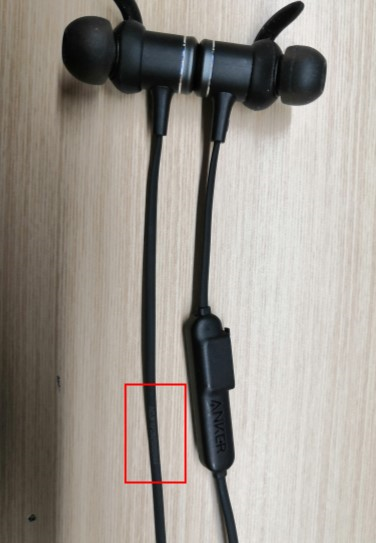
A3402 / A3403 / A3404 / A3410 / A3411 / A3412 / A3413 / A3212

On the earphone’s cable

A3405 / A3406

On the left earbud

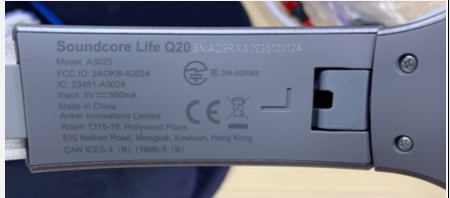
A3023 / A3025 / A3032 / A3028 / A3029

Etched on the inner L slider 


A3031

On a silver tag attached to the part below the left earcup (rotate anticlockwise)


A3201

On a silver tag attached to the part below the right earcup 


Or etched on the inner L slider, effective from 26th May


A3910 / A3922 / A3904 / A3930 / A3951

Printed inside the lid of the charging case


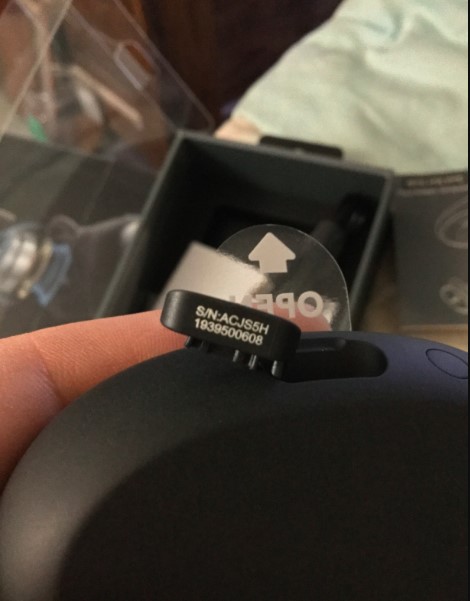
A3931 / A3935 / A3918 / A3909 / A3913

Printed inside the charging case cap


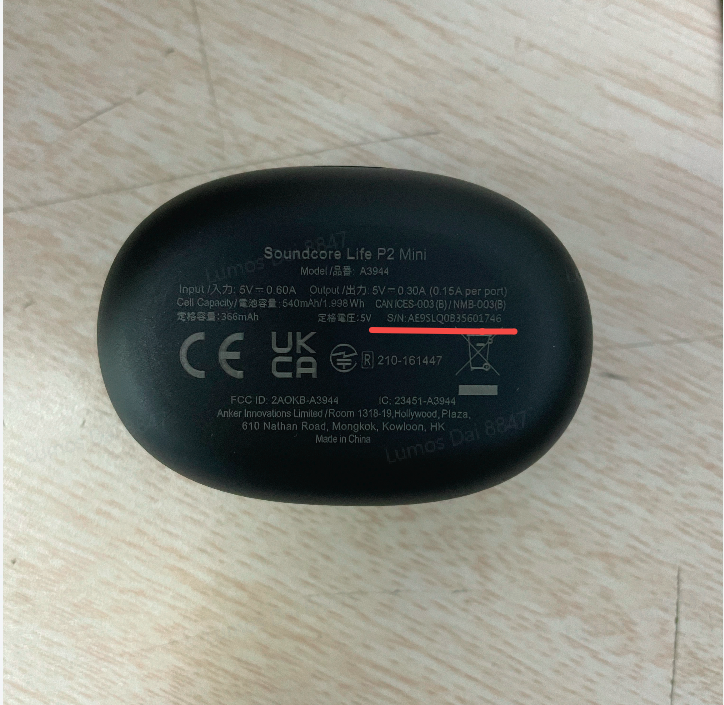
A3944 / A3945

Printed on the bottom of the charging case

A3919 / A3908 / A3927 / A3926 / A3939 / A3933

Printed inside the charging case hinge


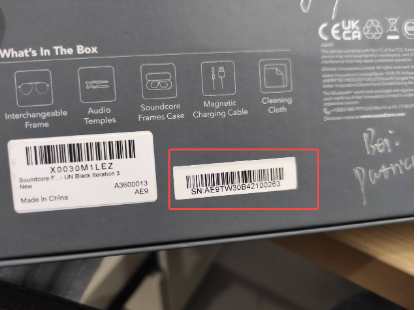
A3600

Printed outside the package box 

A3118 / A3119 / A3123 / A3122 / A3121 / A3145 / A3162 / A3163 / A3165 / A3167 / A31670 / A3126 / A3167 / Rave Series

On the inner charging cover (silver sticker)

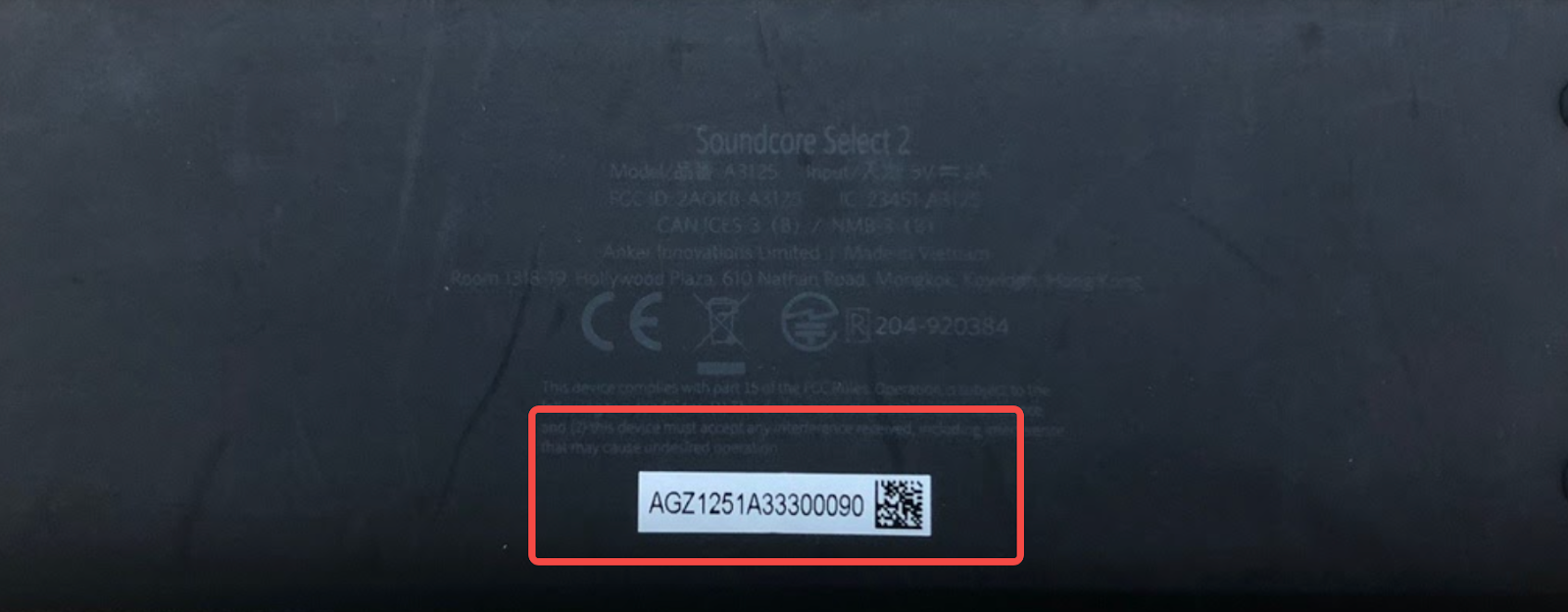
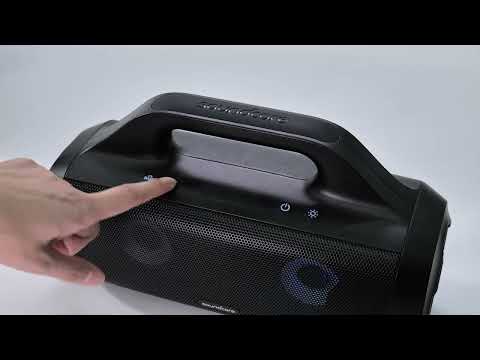
A3150 / A3151 / A3300 / Z5180 / A3109 / A3108 / A3125 / A3142 / A3102 / A3105 / A3117 / A3161

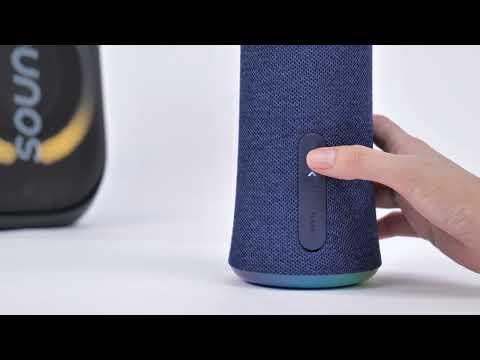
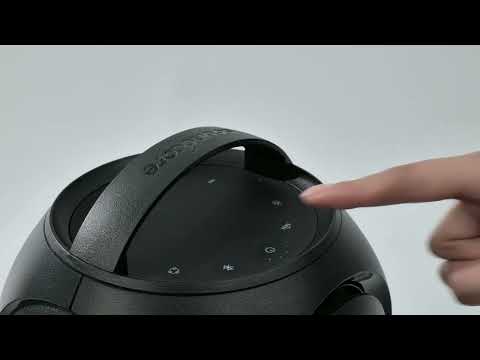
On the bottom of the speaker or on the silver sticker attached to the bottom of the speaker

A3107 / A3101

On the included charging cable

A3370 / A3371/ A3372

On the bottom of Soundbar


If you can't find the SN or the SN is illegible, a picture of the product itself with the Anker or Soundcore logo showing is also helpful. If you still have any questions, please contact us for further assistance.

How to find the serial number(SN) of your soundcore products
222 undefined
Unlock Our New Easy-To-Use Warranty Service
252817 views/327 likes/2025-04-08 16:02:12
soundcore parts and accessories
25508 views/1 likes/2025-04-08 16:00:05
Soundcore App Introduction
37622 views/2 likes/2025-04-08 16:00:37
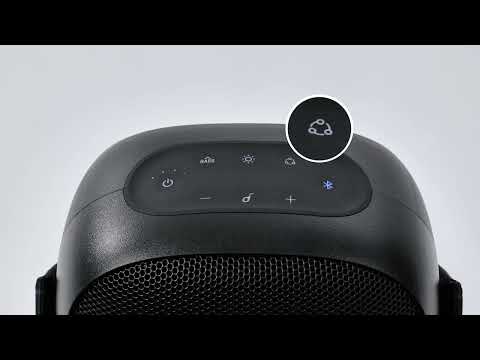
How to reset a soundcore speakers
18148 views/7 likes/2025-04-08 16:00:34
How Do I Connect to the Soundcore App?
21373 views/3 likes/2025-04-08 16:00:47
How to Pair Two Soundcore 2 Speakers Together?
20746 views/1 likes/2025-04-08 16:02:02
Soundcore Warranty Policy
55013 views/10 likes/2022-10-13 11:05:11
How Do I Customize the EQ on my Speaker?
16780 views/1 likes/2025-04-08 16:00:04
soundcore speakers failed to connect with my devices
12123 views/1 likes/2025-04-08 15:56:00
How to Pair Two Soundcore Motion+ Speakers Together?
8569 views/3 likes/2025-04-08 16:00:47
EU Declaration of Conformity for soundcore A3i_A3992
A3961 QSG V2(1)
UK&CA Declaration of Conformity for soundcore Liberty 4_A3953
EU Declaration of Conformity for soundcore Liberty 4_A3953
A3947_Liberty 4 NC_QSG
Liberty 4_A3953_QSG
View More
How to use Liberty 4 Wellness features
How to Wear Liberty 4 and Change Eartips
How to Pair and Reset Sport X10
How to solve a connection issue on Sleep A10
How to Connect to the Soundcore App and Update Firmware for Sport X10
How to Use Features On the Soundcore App for Sport X10
View More