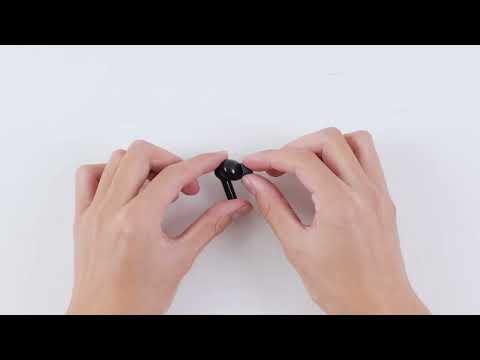
How to Reset soundcore K20i

This article will show you how to reset soundcore K20i.


Make sure the charging case has enough power and reset the earbuds by following the steps below:

1) Put the earbuds into the charging case and then take them out. 

2) Within one minute of the earbuds powering on, tap and hold the touch area--top of the earbud stem on both earbuds for 10 seconds until you hear a notification sound.


It's important to note that when resetting the earbuds, they should be properly connected to the charging case. To ensure a successful reset, when returning the earbuds to the charging case, make sure that you carefully align the charging contactors between the earbuds and the charging case. If either earbud is successfully back into the case, the charging case LED will light up for 4 seconds and then go off.


If you encounter any other issues or your issue has not been resolved, please contact us for further assistance.
How to Reset soundcore K20i
22 undefined
How to Reset Your soundcore Headphones
46614 views/4 likes/2025-04-08 16:03:59
soundcore K20i Earbuds FAQ
10743 views/2 likes/2025-04-08 16:03:22
How to Fix soundcore K20i Earbuds Pairing Issues
6638 views/2 likes/2025-04-08 16:03:19
How to Reset soundcore K20i
6512 views/4 likes/2025-04-08 16:03:19
How to Fix soundcore K20i Earbuds Battery Issues
4329 views/1 likes/2025-04-08 16:03:41
How to Enhance soundcore K20i Sound Quality
2481 views/1 likes/2025-04-08 16:03:20
How to Power the soundcore K20i On and Off
2923 views/1 likes/2025-04-08 16:03:19
A3991 Life P2i Quick Start Guide
A3991 Life P2i DOC
A3991 Life P2i User Manual
A3992C_soundcore_Life_A3i_Manual
A3992 Life A3i Quick Start Guide
EU Declaration of Conformity for soundcore A3i_A3992
View More
How to Use Life P2i
How to Use Life P2i
How to Clean Your Headphones