What should I do if the soundcore Liberty 5 Pro charging case's battery level isn't showing in the app?

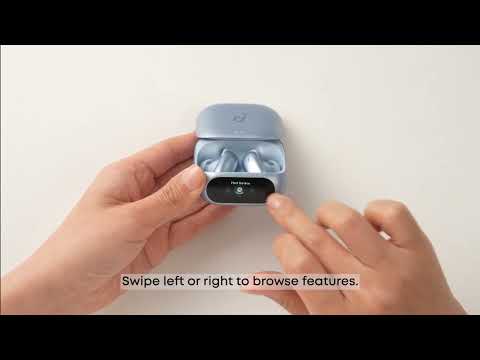
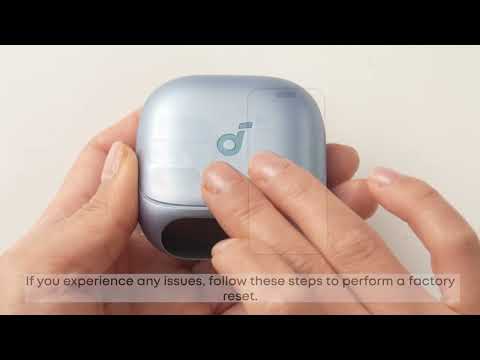
Check whether the charging case and the earbuds are properly connected. To do so, go to Ambient Sound on the charging case display. If it shows "Earbuds Not Connected," you will need to reset the earbuds and the charging case.


If they are properly connected, please close and exit the app completely, then open it again.


If you encounter any other issues or your issue has not been resolved, please contact us for further assistance.

Unresolved icon
20 undefined
Download icon
【D1203】【soundcore Liberty 5 Pro) EU Declaration
Download icon
soundcore Liberty 5 Pro User Guide (D1203)
Download icon
soundcore Liberty 5 Pro Benutzerhandbuch (D1203)
Download icon
soundcore Liberty 5 Pro 用户指南 (D1203)
Download icon
soundcore Liberty 5 Pro 사용자 가이드 (D1203)
Download icon
Soundcore Liberty 5 Pro 取扱説明書 (D1203)
View More
Play video
How Do I Wear My soundcore Liberty 5 Pro Properly?
Play video
How Do I Use the Liberty 5 Pro's Touch Controls?
Play video
How Do I Use the Smart Screen on the Charging Case?
Play video
How Do I Pair or Reset the Liberty 5 Pro's Earbuds?
Play video
How do I Clean My Liberty 5 Pro's Earbuds and Charging Case?
Contact Us