What if I cannot Mirror or Stream Videos from Android Devices to Android Projector
If your Nebula projector is running Android system like Mars II, Mars II Pro, Capsule, Capsule Max, Apollo and Astro, and there is an issue when trying to mirror or stream videos from Android devices, please try these steps:
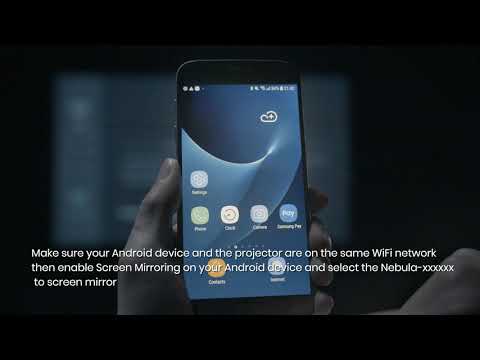
Make sure you've followed the instructionsto mirror or stream videos on your Android device.
Make sure your Android device supports Miracast.
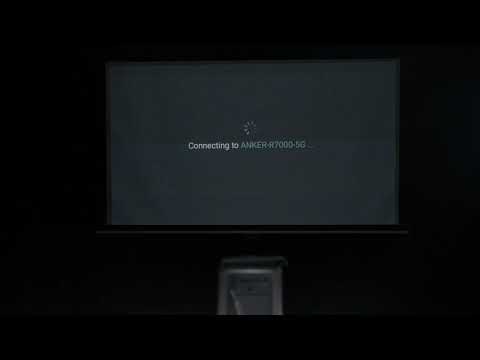
Connect your phone and the projector to another WiFi or your phone's hotspot.
Update your Nebula's firmware to the latest version by going to Settings > Upgrade.
Reset the projector by going to Settings > (General) > About > Recovery.
If the above solutions cannot solve the issue, please contact Nebula Customer Support at support@seenebula.com for further assistance. Please make sure to mention that you have tried the listed stepsso that our agents do not ask you to repeat these steps.